Appoint moderators
Updated at:
•
Number of views: 3079
•
1 min read
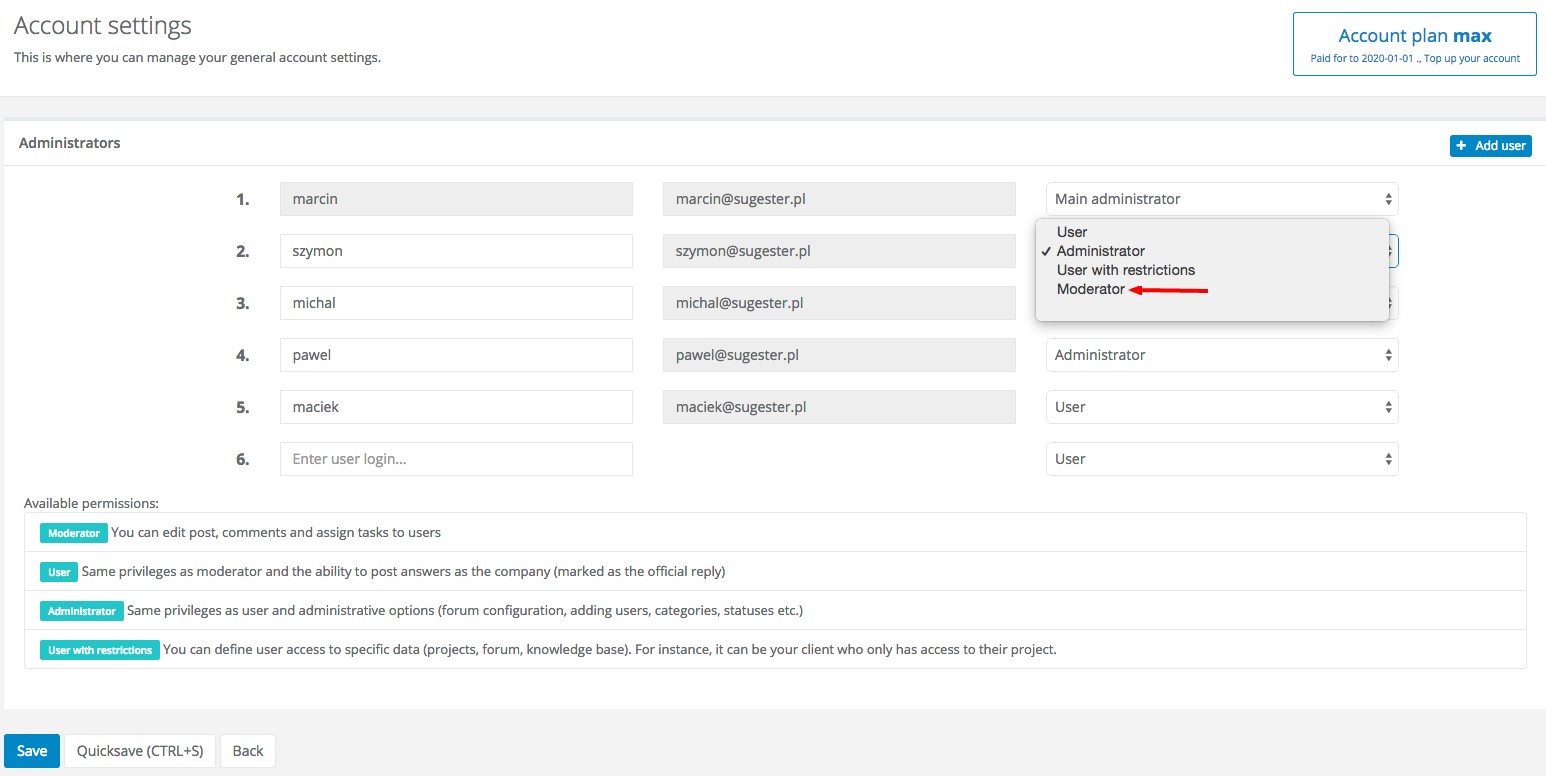
To appoint users as moderators, go to Settings > Users > Manage administrators. You will see a list of all the users tied to your account. Click the drop-down list to the right of any user's name, select 'Moderator' and click 'Save' at the bottom of the page. You're done!