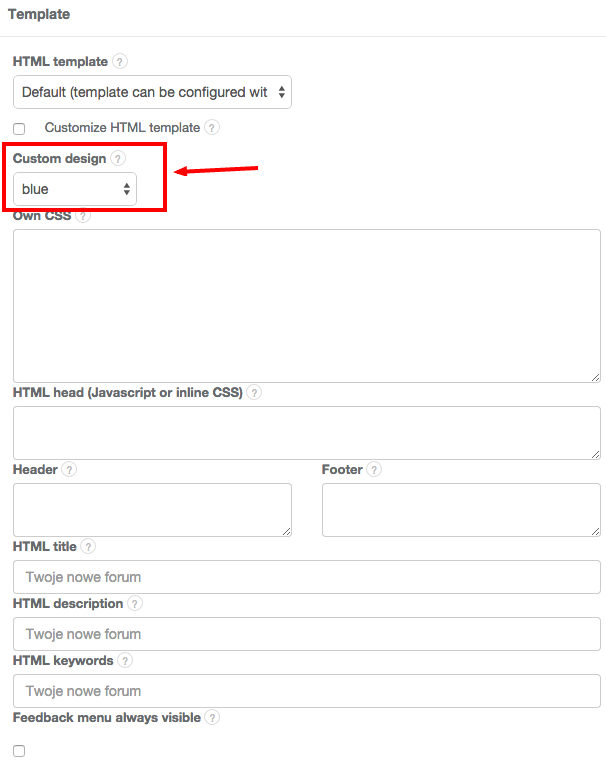
To choose one of our pre-made color schemes, go to Settings > Forum settings > Template and choose an option from the drop-down menu.
You can also personalize it further using CSS. The default template is based on a popular framework called Bootstrap 3 - getting to know it makes editing CSS much easier. Our favorite CSS editing tool is Firebug for Mozilla Firefox, but there are many great utilities available out there.