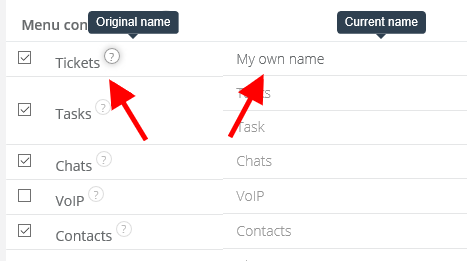
In Sugester you can add your custom names for each module. Thanks to this feature you will easily adjust Sugester to your company's terminology and make it easier for your employees to switch to another system.
You can define your custom names in Settings > Account settings > Menu configuration. It looks as follows:
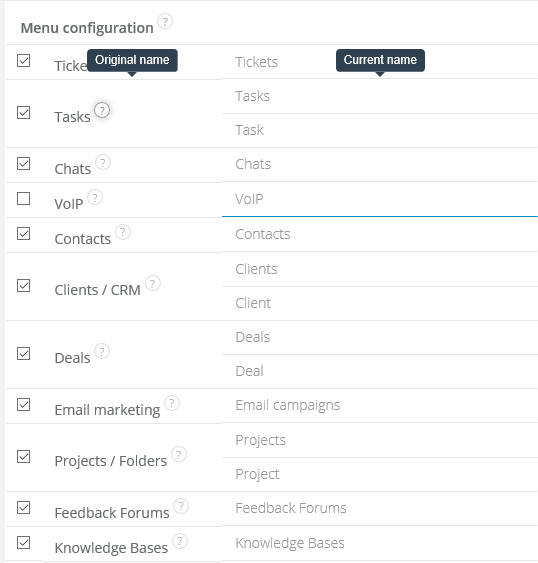
To change the name of a module, just type your own in the field next to it and save changes on the bottom of the website: