1. Extended departments in forms
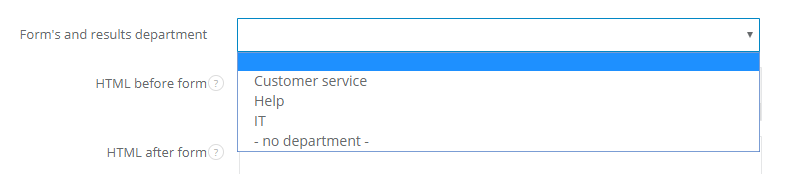
You might say that assigning form to a department is not a new feature - sure, if you set mapping kind to a client or to a task. In this case tasks and clients created out of the form will be assigned to a particular department. But until now it wasn't possible to assign a particular form and its results to a chosen department. The new feature enables assigning each form or survey to a department, so only users with access to the department can see a form and results. All you need to do is to select a department in a Form's and results department field.Note - each form, which is not pinned to a department, is by default unassigned. It means that only users with No department privilege can see it.
You can learn more in the article: How to set form's/results department
2. Custom unsubscribe link
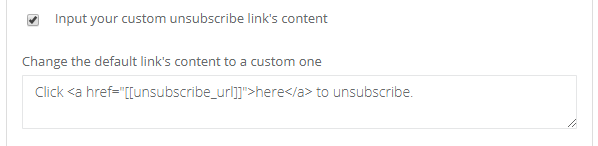
You've been waiting for this feature for quite some time - from now on you can create a custom unsubscribe link for each email campaign. So instead of boring 'Click here to unsubscribe' you can have way cooler note to fit your whole campaign:) Just mark one checkbox and write down whatever you want.You can learn more in the article: How to add an unsubscribe link to the email campaign
3. Changes in projects in the timesheet
Last but not least, a little update - we've extended timesheet to display also closed projects. So don't be surprised if your project list in timesheet will get twice as long. This way, even when a project is finished, you can still search for it in the timesheet.That's it for now, see you soon :)