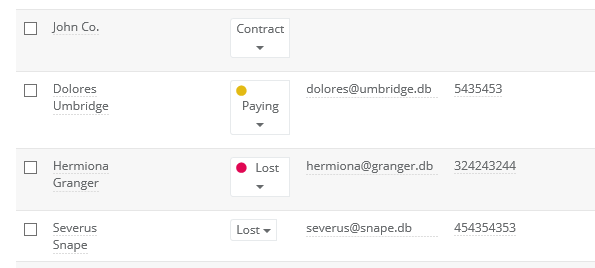
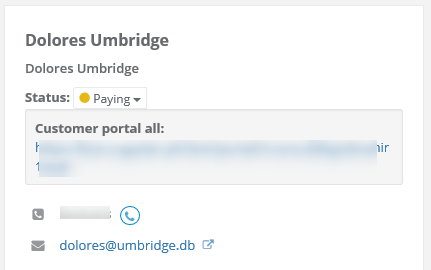
From now on all your posts will be much more visible in the system. You can define status' color by yourself.
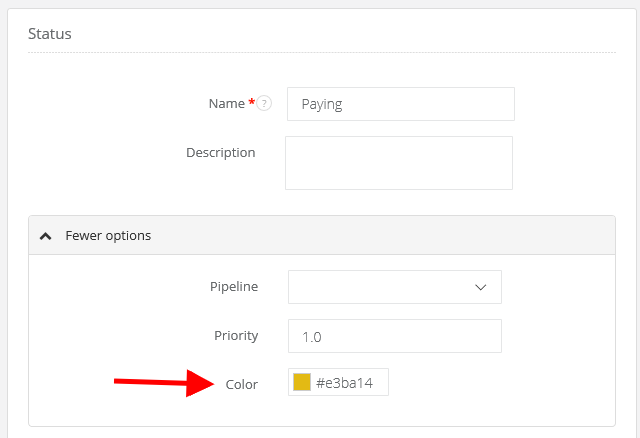
Just select Settings > Account settings > Statuses, and select a status you want to edit (or you can create a new one).
To choose a color unfold 'More options'.
Click on Color field and select the one you want to assign to a status.