To configure an automatic timed pop out for your chat window, simply go to Settings > Live chat settings, select a widget, click Edit and expand More options at the bottom of the screen. Scroll down and you will see the following option:
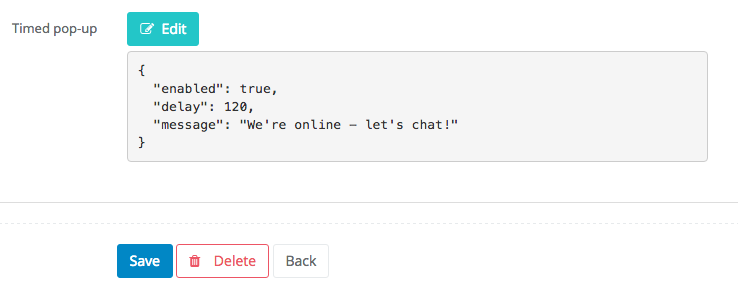
Click Edit and you will see a screen allowing you to adjust the time (in seconds) after which your window will pop out. You can also customize the initial message. When you're satisfied with your settings, close the window. Remember to click Save.