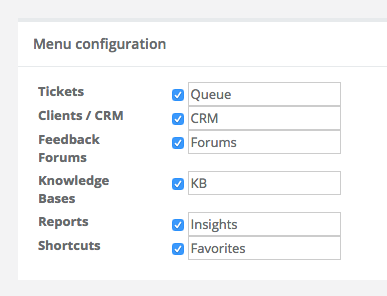
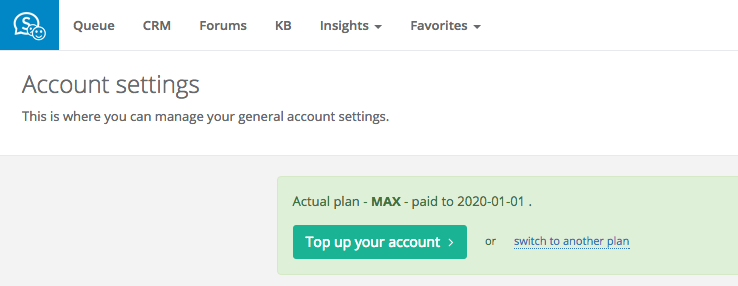
We have added a new feature to Sugester. From now on you can give custom names to Sugester's modules. This makes creating a personalized experience for your team even easier; it's also a useful tool if you're transitoning from a different system and want to keep using familiar terminology.
To rename Sugester's modules, go to Settings > Account settings > Configuration. There, you can give each module a custom name - for instance change 'Tickets' to 'Queue'. After entering your new names, just click Save on the bottom of the page or press Ctrl+S on your keyboard.