Departments in forms work like in any other place in the system. No one outside of department has access and only privileged users can look through them. So if you're in the 'Marketing' department you will only see forms assigned to 'Marketing' department.
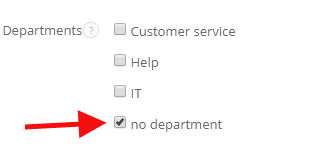
Note! Each form without a department can be only displayed by users with 'No department' privilege marked in their profile:
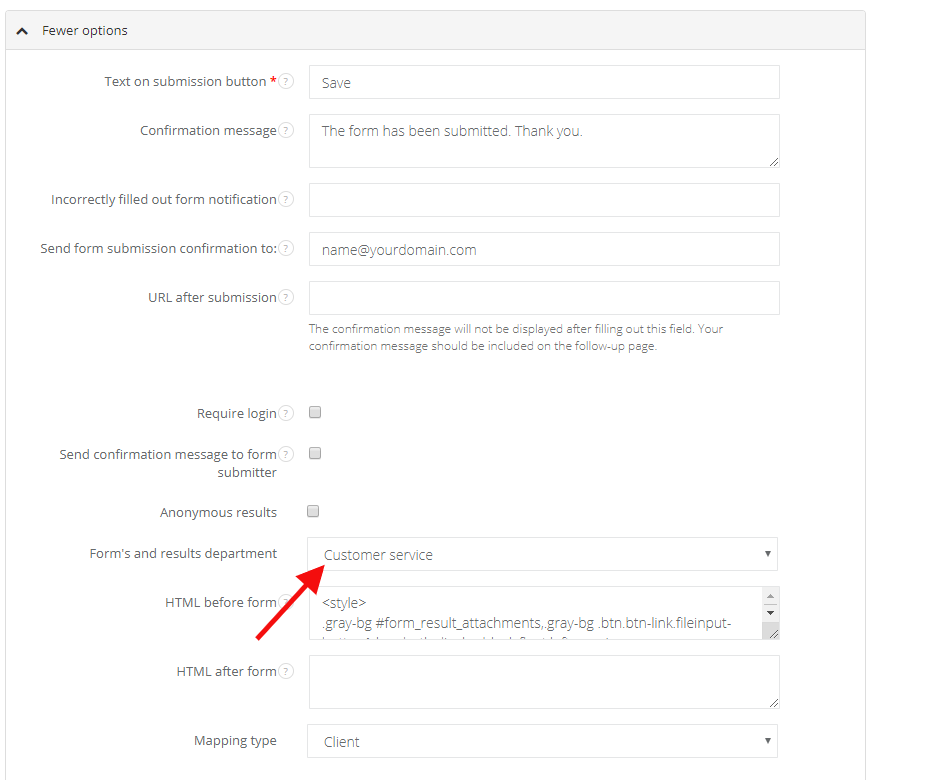
To assign a form to a particular department, go to the form's edit (Forms > Edit), unfold More options and fill in the Form's and results department field. After saving the changes each form with results will be available for users with department's access only.