We have added a new user category to Sugester. From now on, when you invite a person to your account, you can assign them this new class and restrict their access to just e-mail and the tasks that they have themselves created. Such users will only be able to access the 'Inbox' module of Sugester. This kind of user account is a great solution if you employ freelancers or have team members whose sole responsiblity is dealing with customer enquiries.
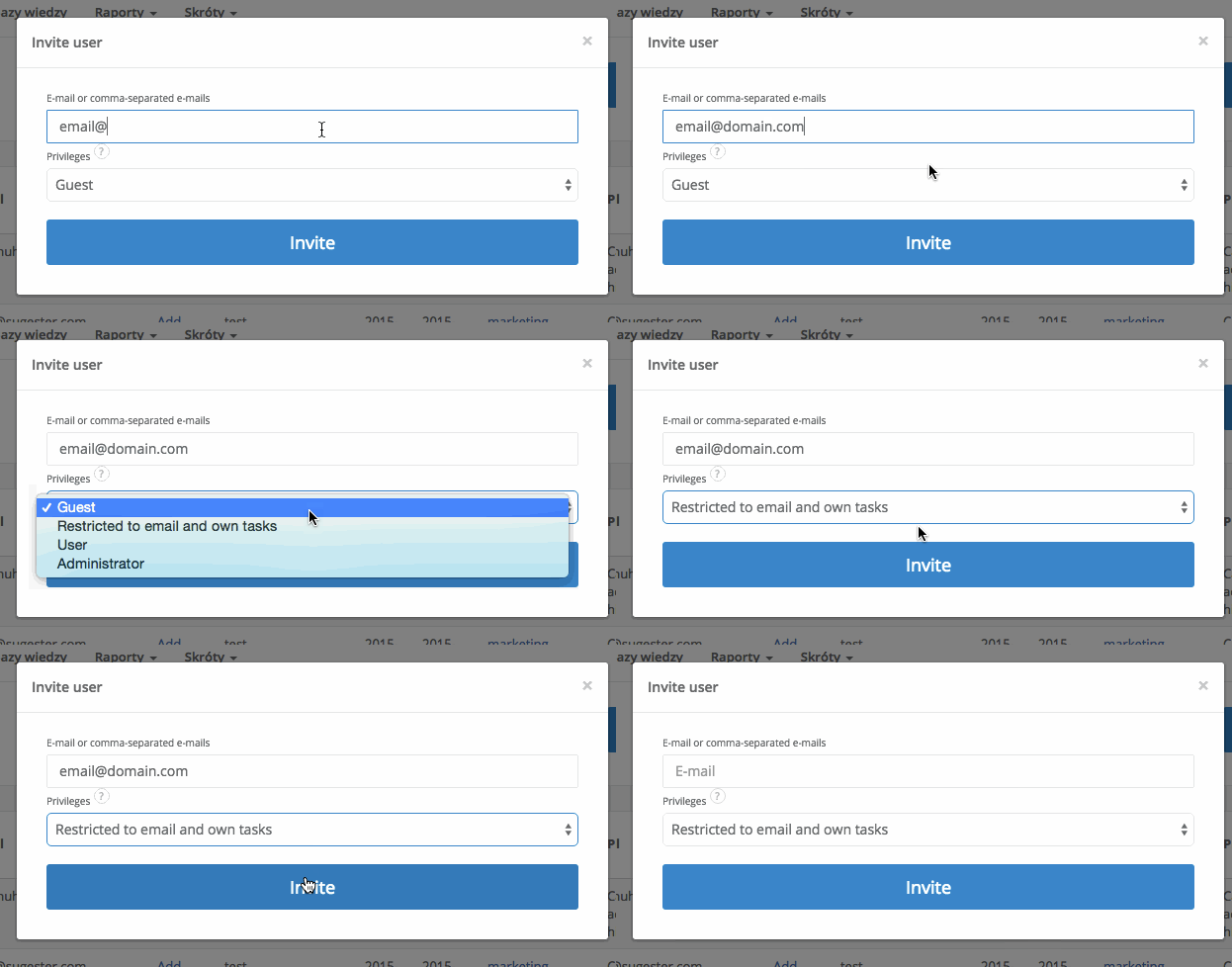
Adding a new restricted user is very easy. Just go to Settings > Users, click on either Add user or Invite user and choose Restricted to email and own tasks as his privilege level.
This new user will be heavily restricted in what he can access. His options will be limited to reading and writing e-mail (only from the department he has been assigned to), and creating + assigning tasks.