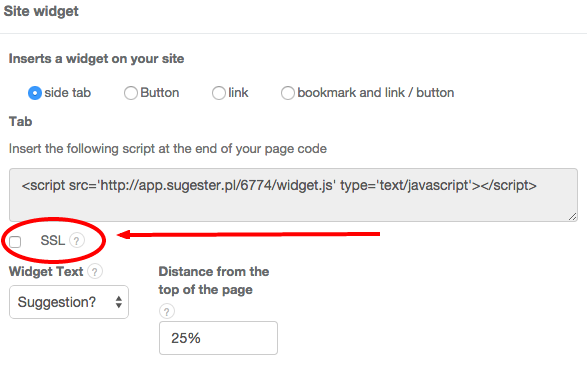
Secure Sockets Layer (SSL) is a cryptographic protocol designed to provide communications security over a computer network. As a rule, you should always choose encrypted communications over unencrypted ones. To enable SSL in your Suggestions Widget, go to Settings > Forum Configuration > Site widget and tick the box labeled 'SSL'.