Skip to content
Sugester Help

How to use custom CSS for my suggestions pop-up

Updated at: Number of views: 2011 1 min read
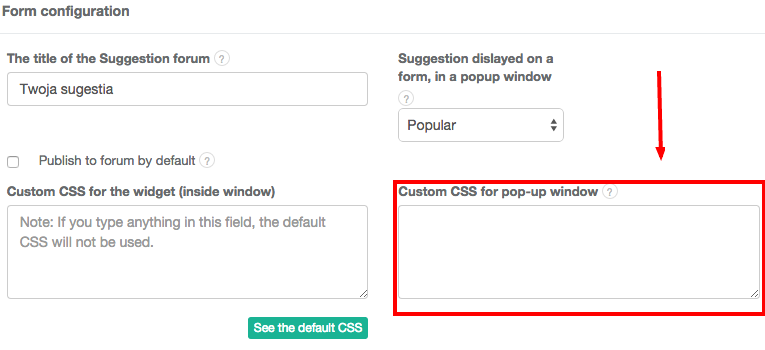
After users click your suggestions tab, they see a pop-up window prompting them to submit a suggestion. If you want to use custom CSS for this pop-up, go to Settings > Forum Configuration > Site widget and paste your CSS code in the appropriate box. The default template is based on a popular framework called Bootstrap 3 - getting to know it makes editing CSS much easier. Our favorite CSS editing tool is Firebug for Mozilla Firefox, but there are many great utilities available out there.
Was this entry helpful?

Share

Comments