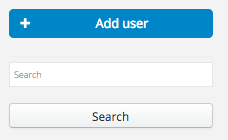
You will see the following screen:
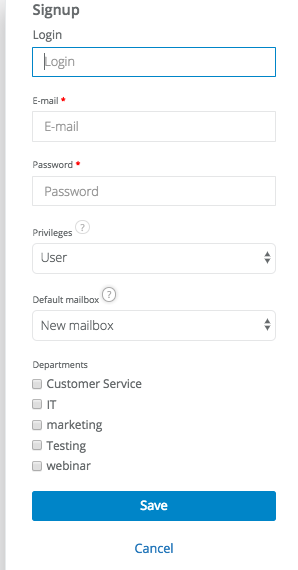
Fill in all fields. Give your new employee a password. He/She will be able to change it at any time.
After filling in all fields a message will be sent to his/her e-mail address with information on setting up a new account and a login link.