Using SMTP in Sugester allows you to send e-mail from Sugester's dashboard. To use this feature, go to Settings > Mailboxes > New mailbox, scroll to the bottom of the page and tick the box marked Use your own SMTP mailbox.
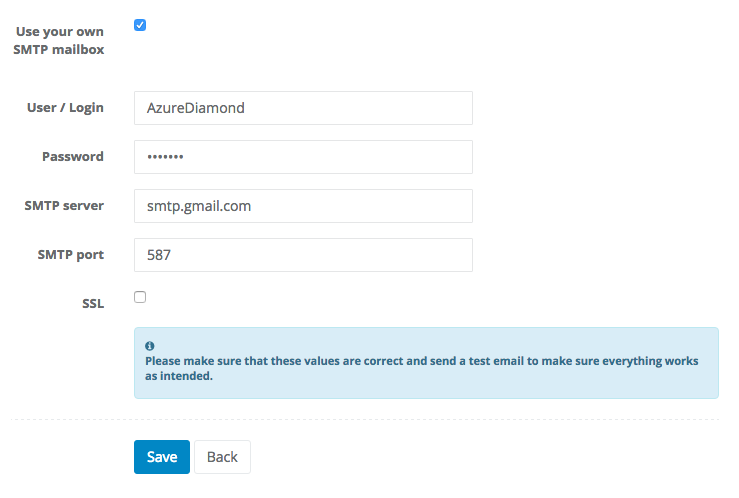
An example configuration for a Gmail account looks like this:
- User / Login AzureDiamond
- Password hunter2
- SMTP server smtp.gmail.com
- SMTP port 587
- SSL ✗
In case of Gmail, completing configuration requires giving Sugester access to your e-mail here. It's also a good idea to read Google's help article here.