The name of each column is the status or the stage at which you are with a given project. In the column view, you can see more than just the name of the project, as you are also able to view the information that you had entered into the Description field.
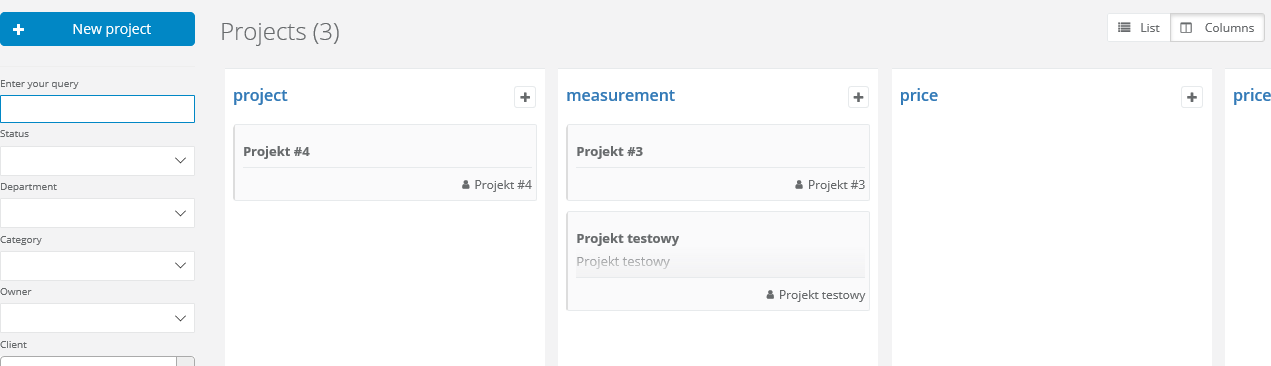
In the column view, you can quickly add a new project by clicking “+” in the upper right corner of each column.
You can also quickly change the status of a given project by simply dragging it from one column to another using the drop and drag method.