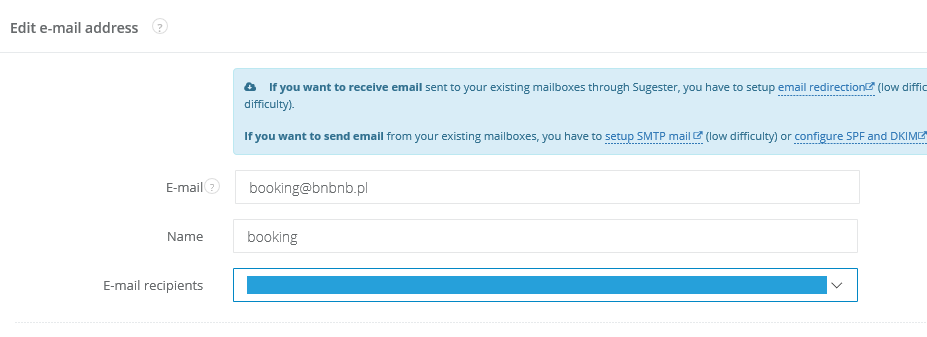
Mailbox assigned to user
If you have several employees and each of them has an email inbox, you can configure your mailbox in such a way that every email will immediately be delivered to the employee’s inbox. All you need to do is select the name of the employee to whom the mailbox is to be assigned to in the ‘E-mail recipients’ field.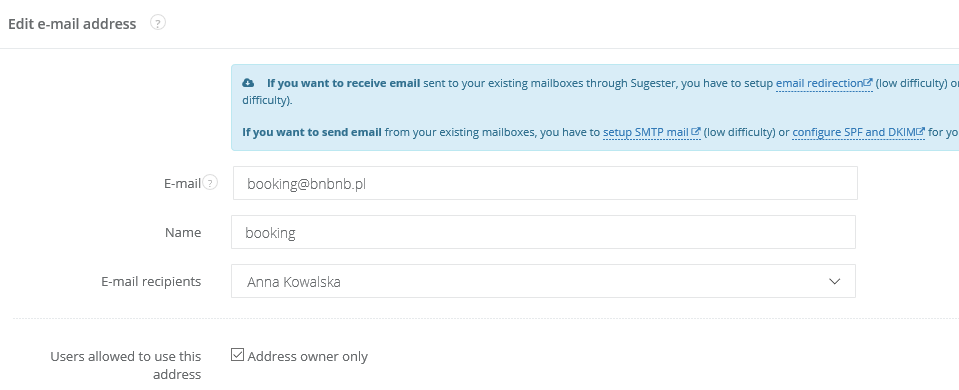
Assigning an email inbox to a group
If you want an incoming email to be assigned to more than one person and for that mail to flow into the inboxes of multiple people, create a group of users and assign a mailbox to this group. If for example, you have; projects@yourcompany.com as a mailbox and your project group exists of 3 people, all of whom you want to receive emails directed at this inbox, create a group which consists of these 3 individuals and then select the group in the ‘E-mail recipients’ field.
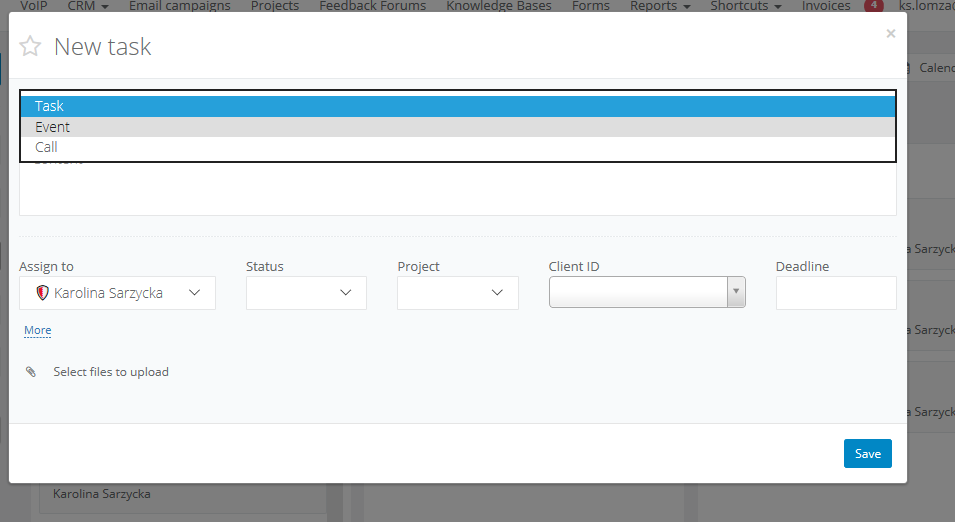
Mailbox without assignment (emails will appear in the Box ‘Unassigned’)
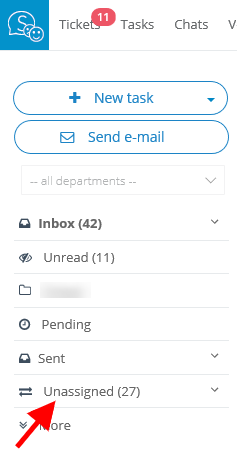
Without a doubt your company will have dedicated emails which are used for general purposes such as: help@yourcompany.com or info@yourcompany.com, and you want your whole department or all of your employees to be able to access them. In such a case, all you need to do is leave the box ‘E-mail recipients’ as blank. All emails that flow into this inbox will appear in the ‘Unassigned’ folder, where everyone will have access to them and will be able to assign them to themselves or other users.