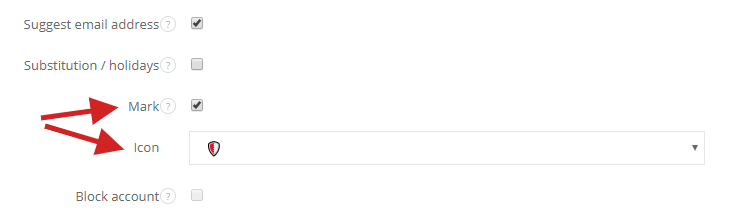
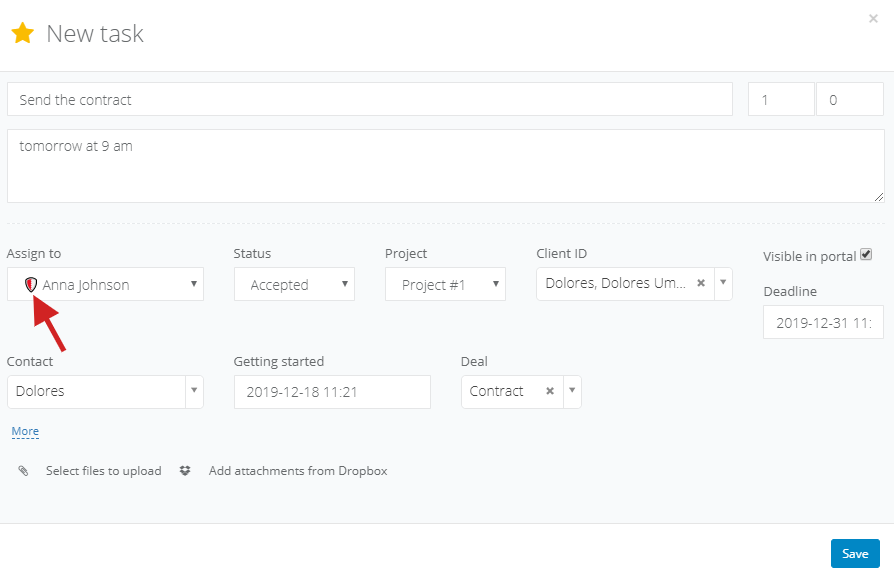
The feature of adding a graphical icon to a user will allow you to make a user stand out among all other users on your list. If you wish to mark a user who will be responsible for tech support that week, or who will be working as a Project Manager, use the icons available on the user profile. Thanks to system wide icons, employees will be able to quickly see who to turn to when they spot a mistake or have a question regarding a certain project.
To add an icon which will be visible on the list of users next to their surname, head to the user profile (
Settings > Users), mark the checkbox
Mark, and select the icon you want to use for that user. You can select from a default list of icons we have made available.