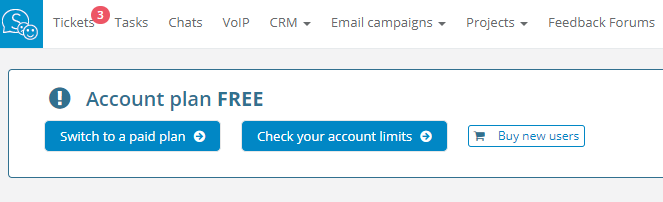
In this place you can directly get to the payments panel by clicking on the Switch to a paid plan button. You will be taken to the payment panel:
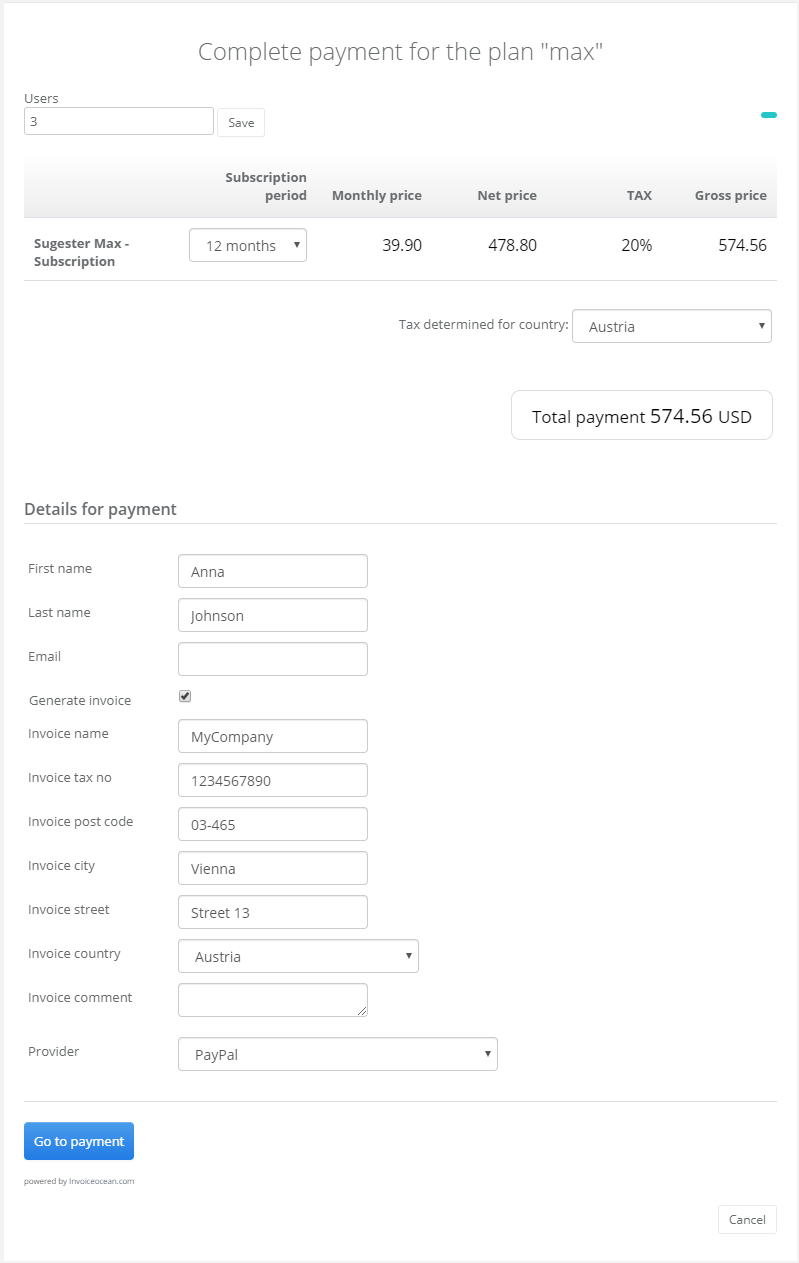
In this field you can select the subscription period (3, 12 or 24 months) and submit the payment data. You can also select the payment method, - PayU.pl, PayPal or a bank transfer.
For every purchase the system will automatically generate a VAT invoice. If you to receive an invoice prior to conducting a payment - contact us at info@sugester.com
If you are using PayPal or PayU, the status of your account will be updated within a few minutes. If you are paying using a traditional bank transfer, the status of your account will be changed as soon as we have booked your funds transfer on our accounts.