To start forwarding email from Yahoo to Sugester follow the steps below:
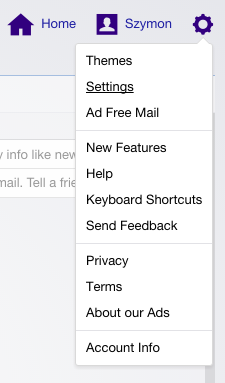
- Login to your Yahoo Mail account.
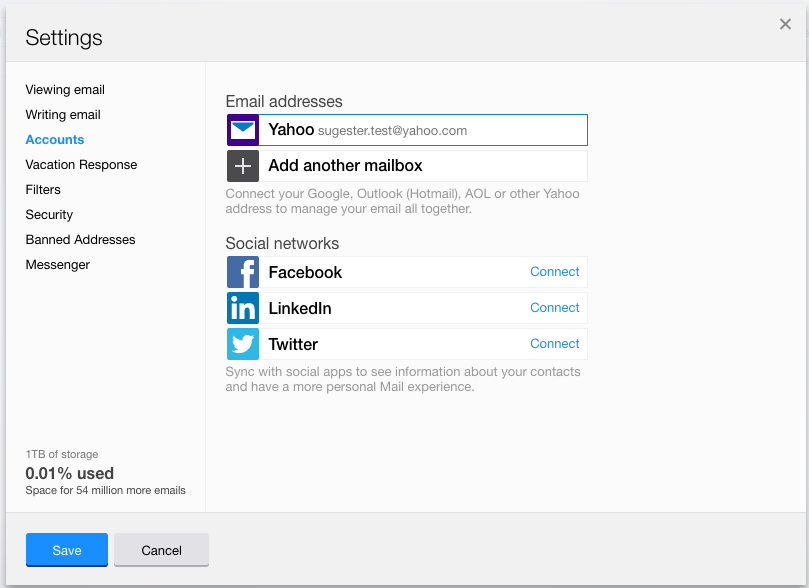
- Go to Settings > Accounts.
- Click on the account that you want to start forwarding from.
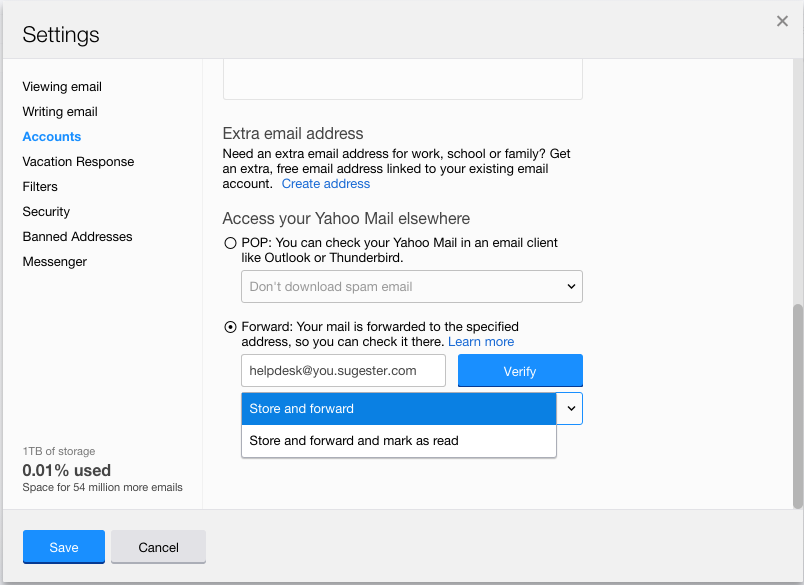
- Scroll to the Access your Yahoo Mail elsewhere section.
- Enter your Sugester email address (helpdesk@yYourAccountName.sugester.com) in the field provided.
- Select either Store and forward or Store and forward and mark as read and click Verify.
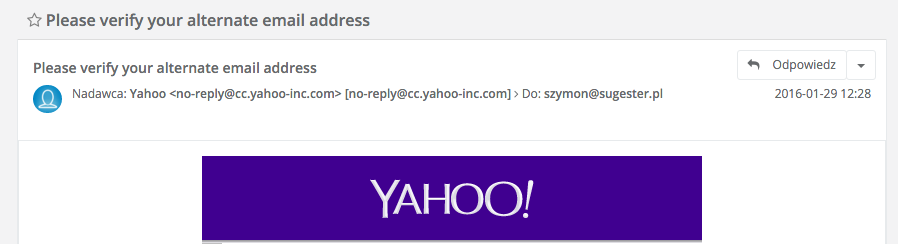
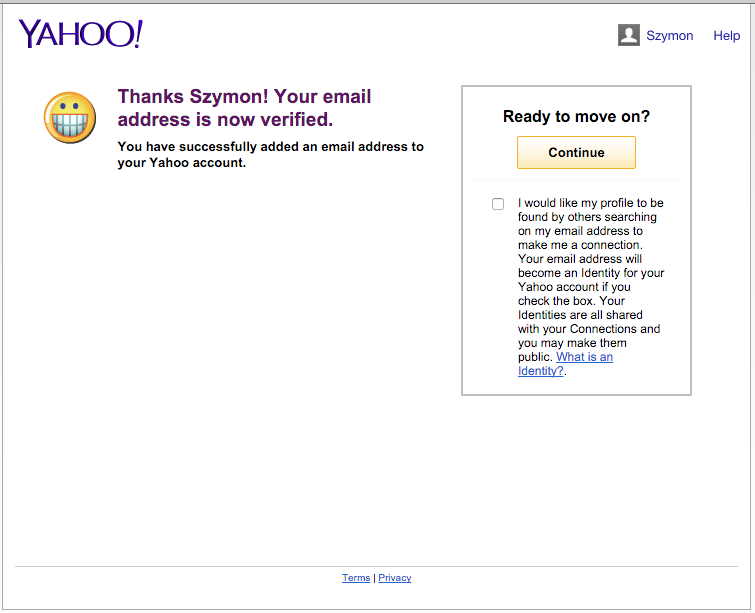
- You will receive a confirmation email in your Sugester inbox. Open it and click the confirmation link inside.
- That's it - you've succesfully set up forwarding from your Yahoo account.