1. Select Settings > Email settings > Email boxes > New mailbox,
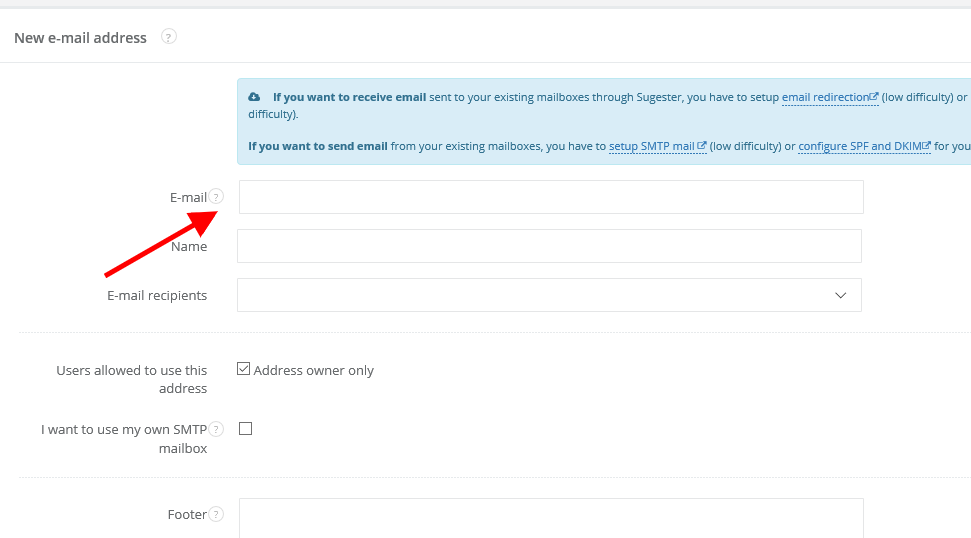
2. In field 'E-mail' type in an address, form which you want to send emails (other fields are optional) and click Save
Note: emails sent this way may be received in spam folder. To avoid this problem you should add new SPF record to your domain. You can learn how to do it here: https://help.sugester.com/1217345-E-mail-sent-from-Sugester-is-being-marked-as-spam.