Sugester allows you to change your password at any time or, if you forgot it, to recover it.
Password recovery
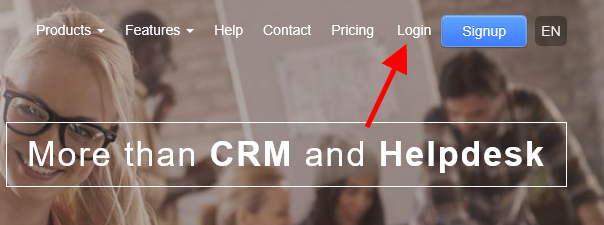
If you forgot your password and can't login, just do as follows:1. Go to sugester.com and select 'Login' in top right corner
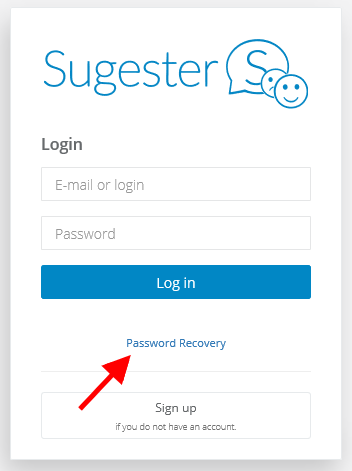
2. In login window press on 'Password recovery'.
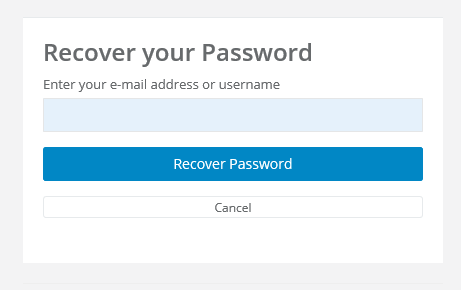
3. Type in your email address - we will send you a link for creating new password. Remember, that email address must match email address in your Sugester's profile. Next, click on 'Recover Password'
4. You will receive a message with a link for password change.
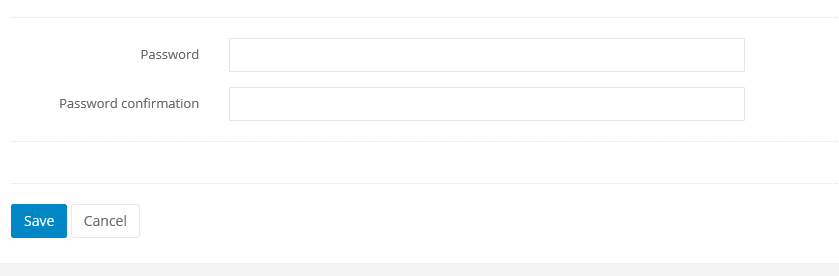
5. Click on the link. You will be transfered to the window, where you can type in new password.
Password change
If you want to change your password, select 'Edit profile' in top right corner'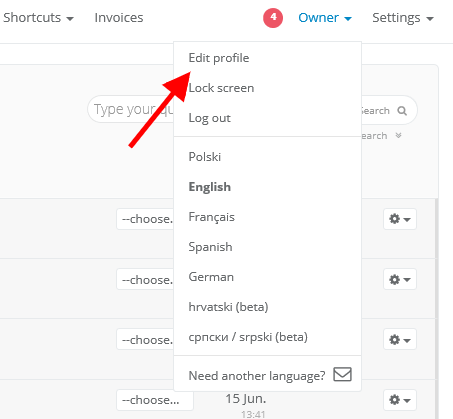
You can change your your password by selecting 'Password change' on the bottom of the website. Type in your current password, and below the new one.
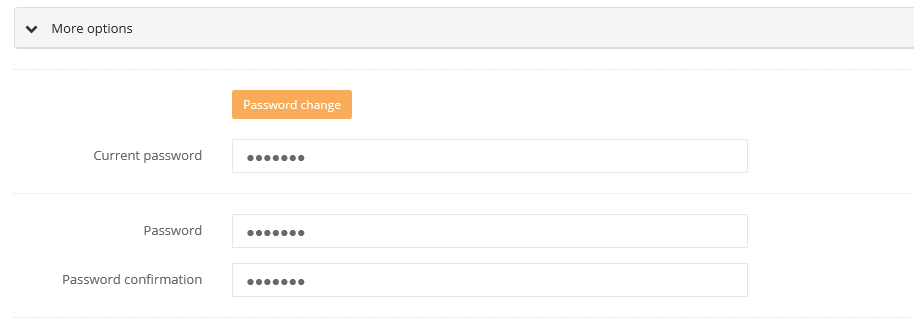
If you're changing your password, the system requires current password - without it you won't be able to make changes. If you don't remember your current password, learn more about password recovery above.
Note! If you're an administrator or the owner and you're changing your user's password, system will require new password only.