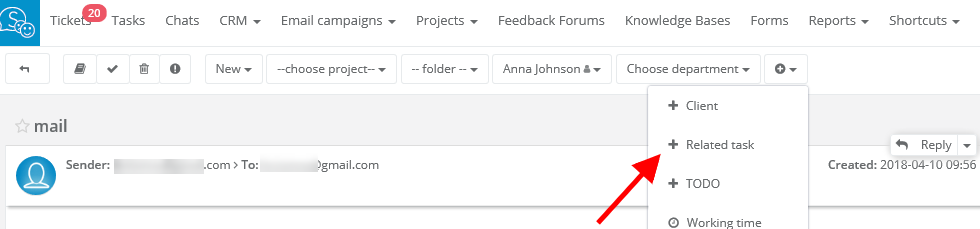
To add a task related to email, open a task and unfold the arrow on top of the task. Next click on 'Related task'.
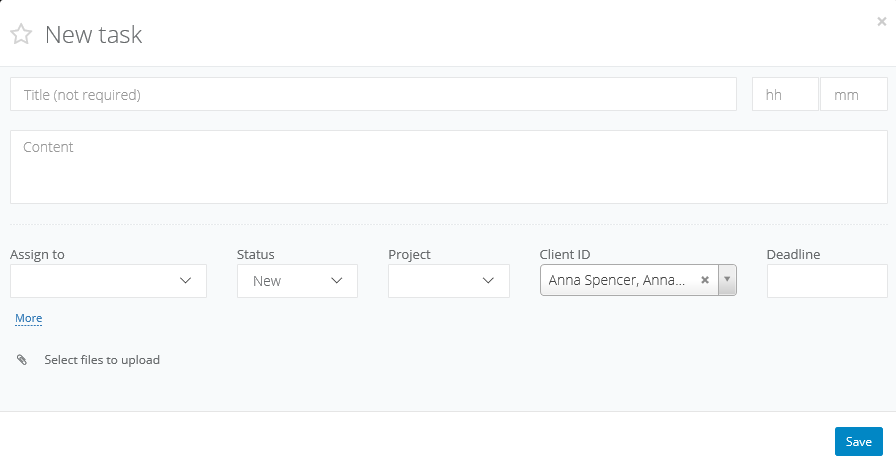
You will see 'New task' popup. If you received an email from a client, who is also added to our database, system will automatically assign him/her to the task. Other fields you should fill in manually.
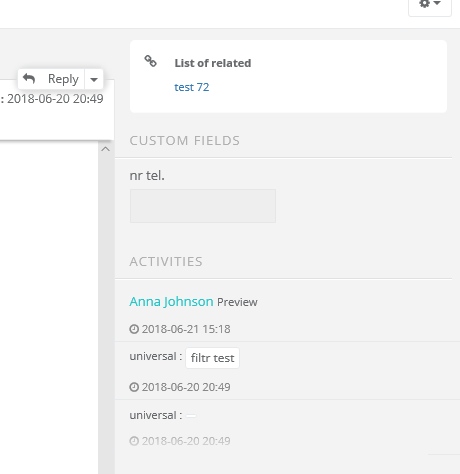
After saving the task, in email window, you will see a 'List of related'. Just click on the link and you will be transfered to its content.
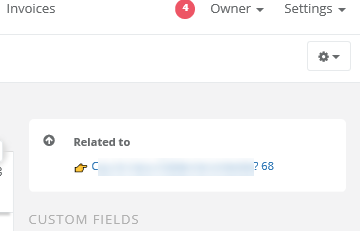
The same info you will receive in a task.
Note! 'Related task' feature works differently than 'Convert to task'.