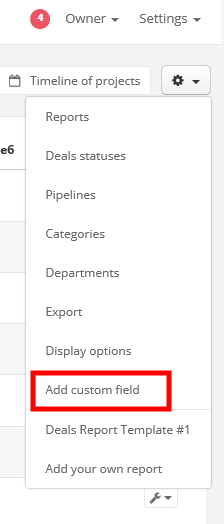
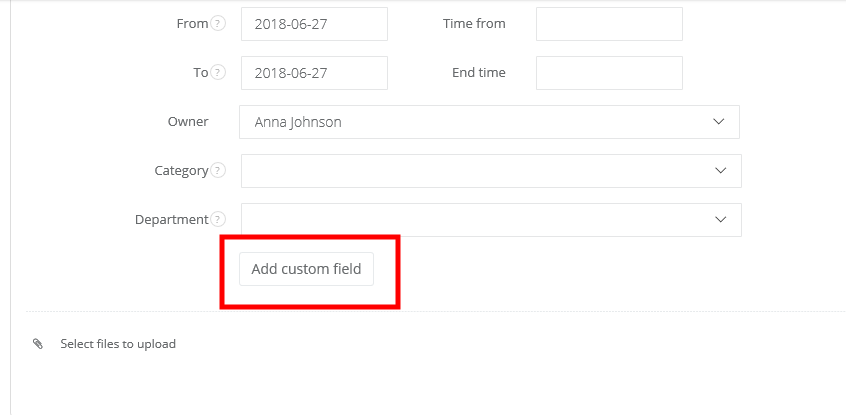
You can also add a custom field directly from a deal's card, just click on Edit and go to the bottom of the page:
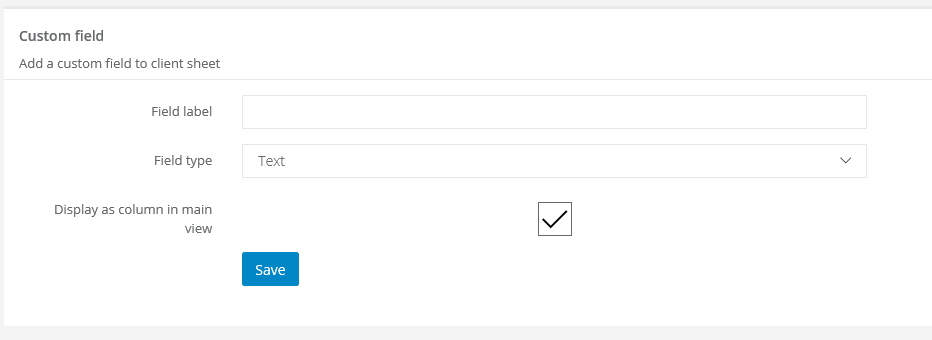
Next step is selecting a field's label (eg. Client's ID), field's type (what kind of content will it be) and decide, if the field will be displayed as a column in deals' main view. If you're not sure, what type of field you should select, just leave default value - Text. Click on Save.