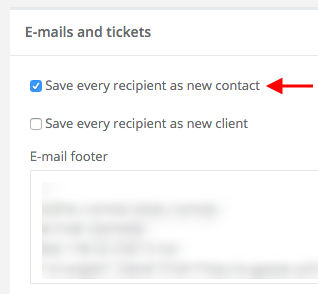
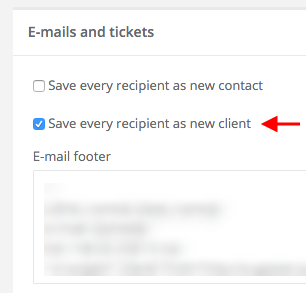
Sugester Help / CRM / CRM Settings Automatically create new clients/contacts based on email Updated at: 02-03-2026 • Number of views: 2497 • 1 min read Polski English Español No translation If you want every recipient of your emails to be saved as either a contact or a client, simply go to Settings > Email settings and tick one of the available options.Save every recipient as new contact:Save every recipient as new client: Previous User responsible for a client