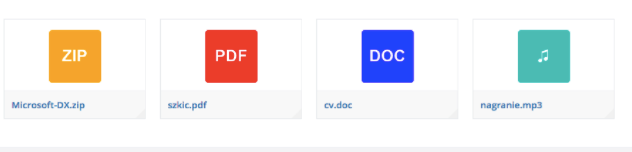
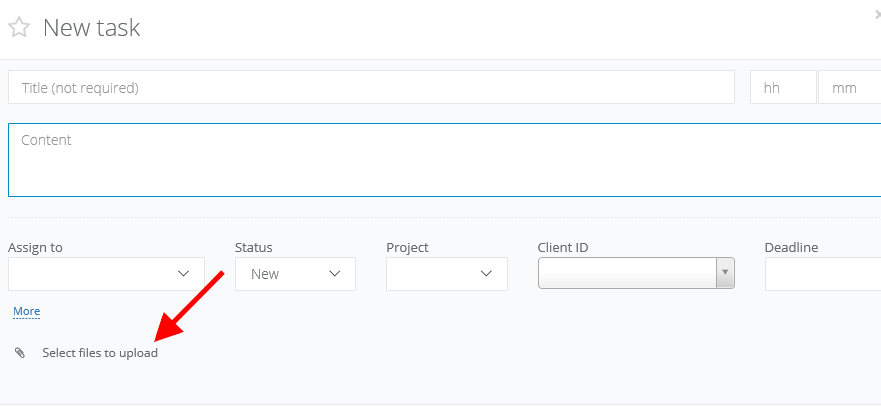
To add an attachment, just click on Select files to upload. In case of pdf, csv, txt and zip files, instead of miniatures, you will see icons.
NOTE! Dragging attachments feature is available for emails, tasks, projects, deals and clients. Thanks to one drag you can attach a file.
In Sugester you can also download all attachments at once. If your client will send in email few files, select Download all attachments. System will download them and pack into zip file.
