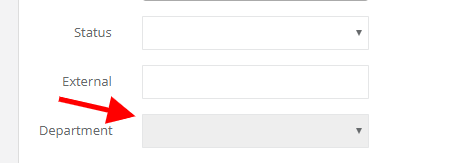
If you use Sugester's departments to control user's access to your data, remember to assign contacts to the right departments. For example, if your employee is assigned to the 'Customer service' department, then only contacts from this department will be displayed.
Assigning contact to a department
If you want to assign a contact to a department, do the following:- select Contacts (Email campaigns > Contacts or Settings > Email settings > Contacts)
- select a contact without assigned client and click on Edit in the top right corner
- in the new window, in the Department field, select a department to assign a chosen contact
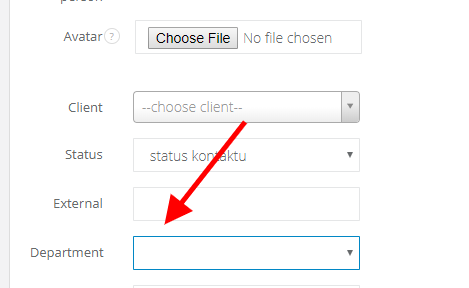
- hit Save
Inheriting client's department by a contact
If you're adding a new client to a department, and then you add a contact to this client, the system will automatically assign the contact to the same department as client's. You can say that a contact will inherit client's department. In this case, you won't be able to change contact's department, the field will be gray.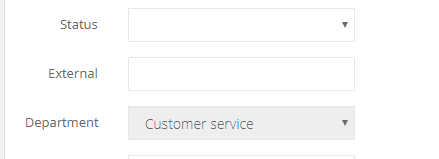
Same thing happens when you try to change contact's department in a client, who is not assign to any department. In this case you will also see a gray Department field, but this one will be empty. If a client is not assign to any department, then client's contact also doesn't have any department.