Select Settings > Users > cog icon on the right > Invite user. In 'Privileges' field select 'User restricted to helpdesk'. Next, if he accepts invitation, you can edit his profile and select projects you want to share with him.
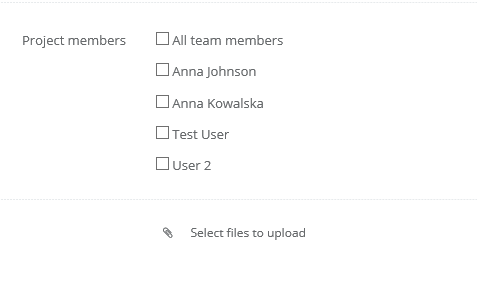
By default, when you create a new project, it is marked that everyone has access to it. If you unmark this checkbox, you can select users with access to it.