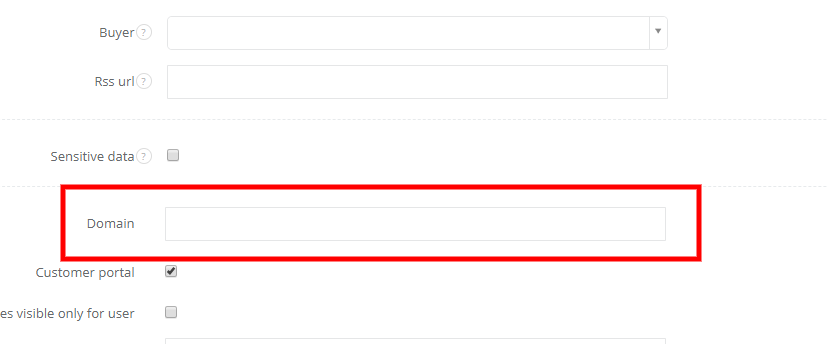
If your client's domain is eg. client-company.com, you can just type that without '@' mark in the Domain field, while editing a client. This feature works for own domains only, it won't work with domain such as gmail, yahoo, outlook etc.
If you fill this field, all emails from this domain will be pinned to a client.
The same will happen if you send an email to a new email address, but with the domain that exists in the CRM.