Email statuses helps managing inbox posts and monitor the stage of the post.
By default, Sugester offers you 3 statuses: New, Accepted, Resolved.
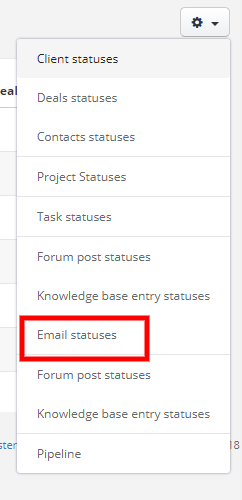
If you've just started your work with the system and want to see default email statuses, go to Settings > Account's settings > Statuses, click on a cog icon in the top right corner and from the list select Email statuses.
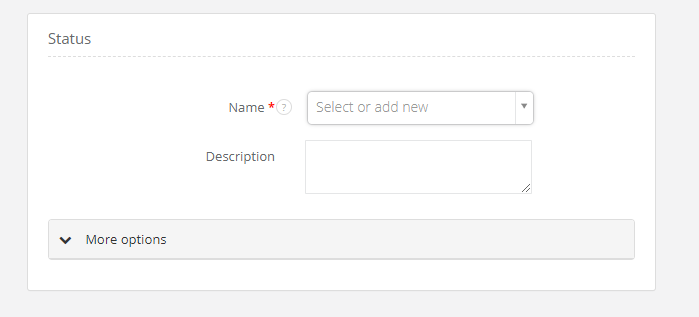
Then select +New status, and add a status:
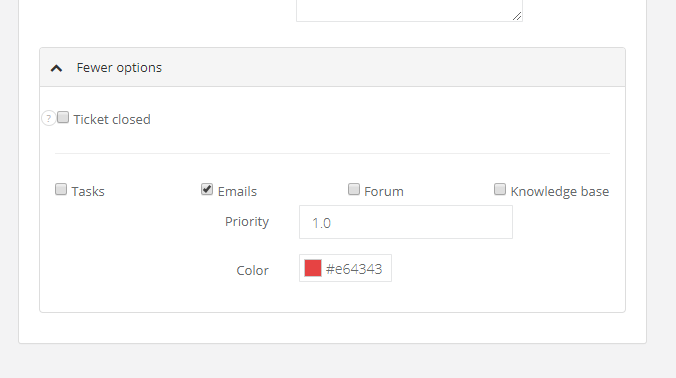
Unfold More options if you want to add a color to your status.
You can see how it looks in your Inbox: