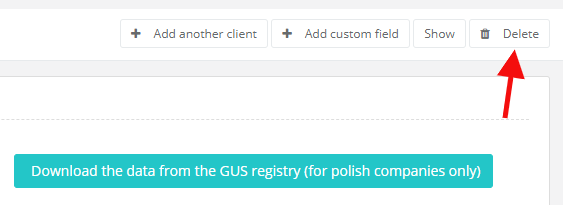
-
from the clients' list:
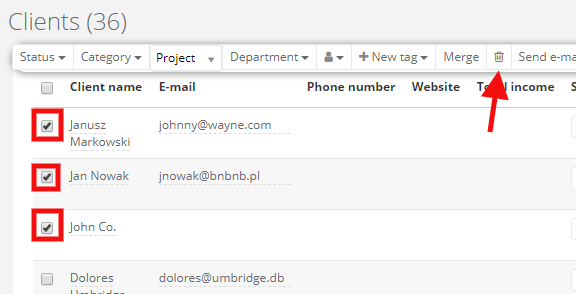
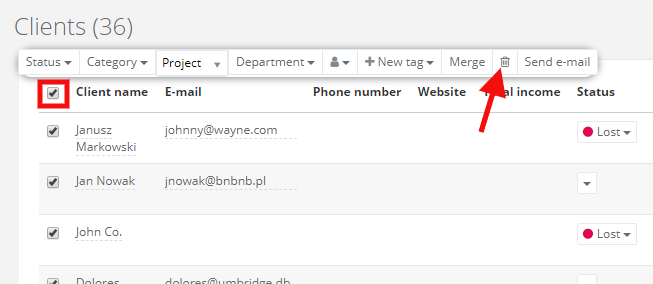
If you want to delete clients from the whole page, mark the main checkbox above clients list and select a trash can icon. This way you can delete clients site by site. To make the proccess faster, set displaying at 100 per page (a cog icon in the top right corner > Display options):
-
from a client's edit