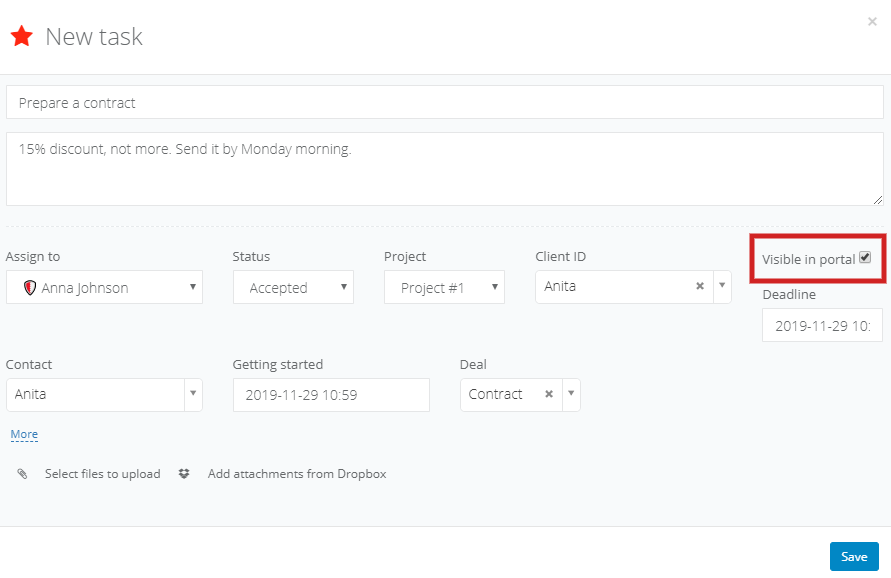
If you'd like to display a task in the portal, you can mark it while creating a new task. Leave the checkbox unmarked if you don't want your client to see the task:
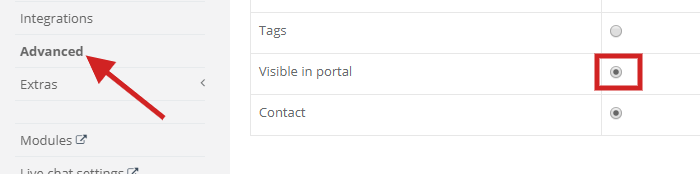
You can't see the checkbox? Select Settings > Account settings > Advanced on the left side. Go down to the Field modification in task's popup section and mark the field. Hit Save.
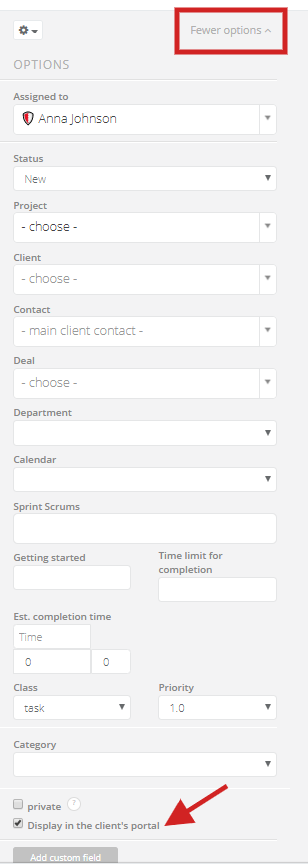
What if you've already added a task but forgot to mark/unmark Visible in portal checkbox? Select a cog icon in the top right corner of the task and click on Edit. Next, select More options. Go to the bottom of the menu and mark/unmark Display in the client's portal. Save the changes: