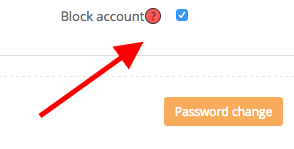
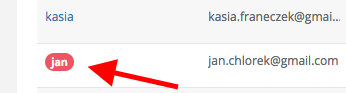
Just use the "block account" option in Sugester. When you select this function employee will not be able to log in to the system. However, he will be in the list of users - marked in red.
The system will still have access to information about who the employee was talking to and what emails he was sending.
To activate this feature, just go to Settings -> Users and in the selected employee's profile, select the "Block account" checkbox and click Save.