Maintaining continuity can be a challenge when you're transitioning between customer support systems. This is why Sugester now includes an email archive import feature.
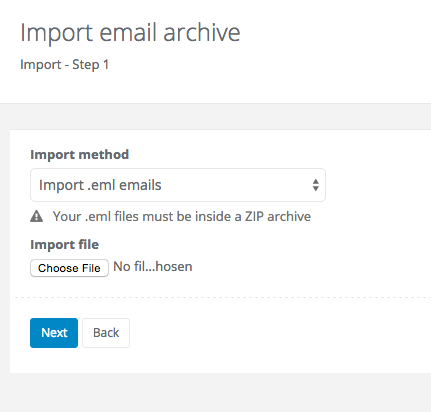
Please note: the software only supports importing zipped .eml files smaller than 100 MB. Contact us at info@sugester.com if you need assistance with this process.
To import your email archive to Sugester, go to Settings > Import/Export > New import > Import emails. On the following screen click on Choose file, select your zipped .eml archive, and click 'next'. You're done - your emails will be available in Sugester after the archive has been processed.