To enable email tagging, select Settings > Helpdesk settings and mark 'Email tagging' checkbox.
From now on, while writing an email, you will have a field for selecting/adding tags (on the bottom of the window):
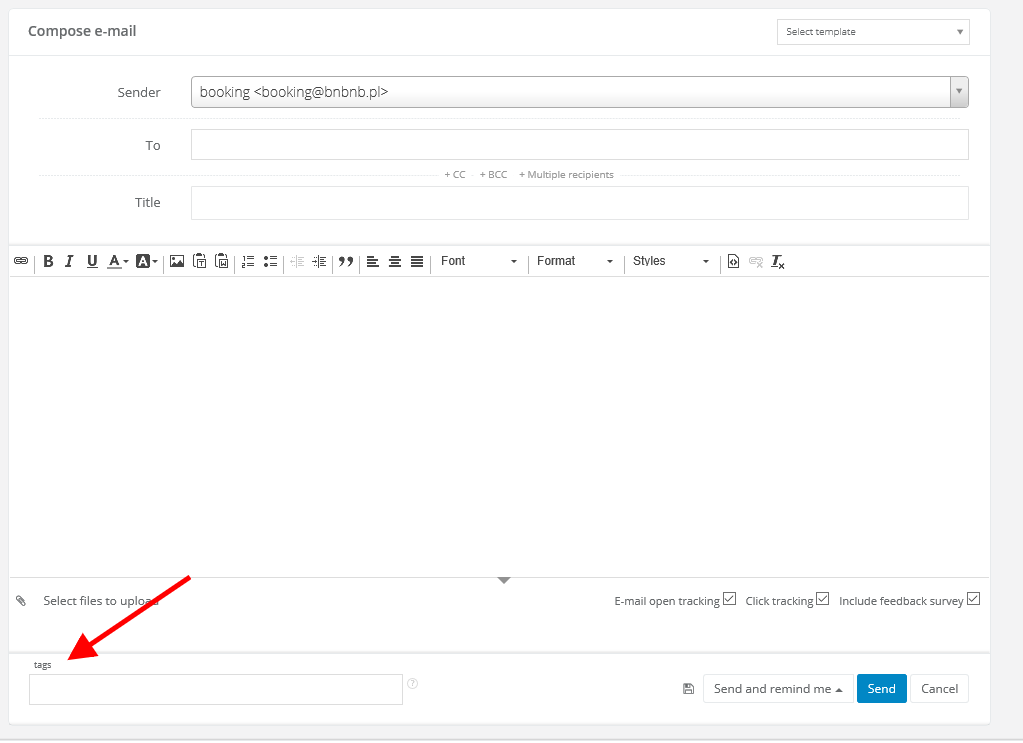
After sending an email, tags will be automatically saved in database - you will be able to use them without any additional actions.
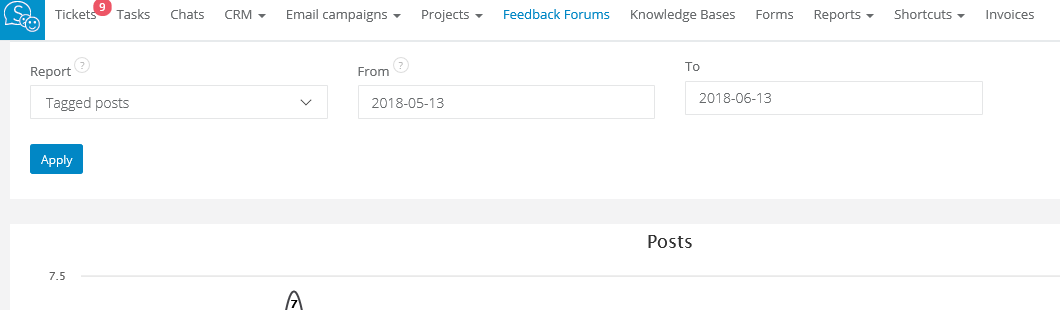
In Reports > Charts you can also search for reports by sorting Tagged posts.