Skip to content
Sugester Help

How to repair a client database file in order to be able to import it into Sugester

Updated at: Number of views: 2211 1 min read
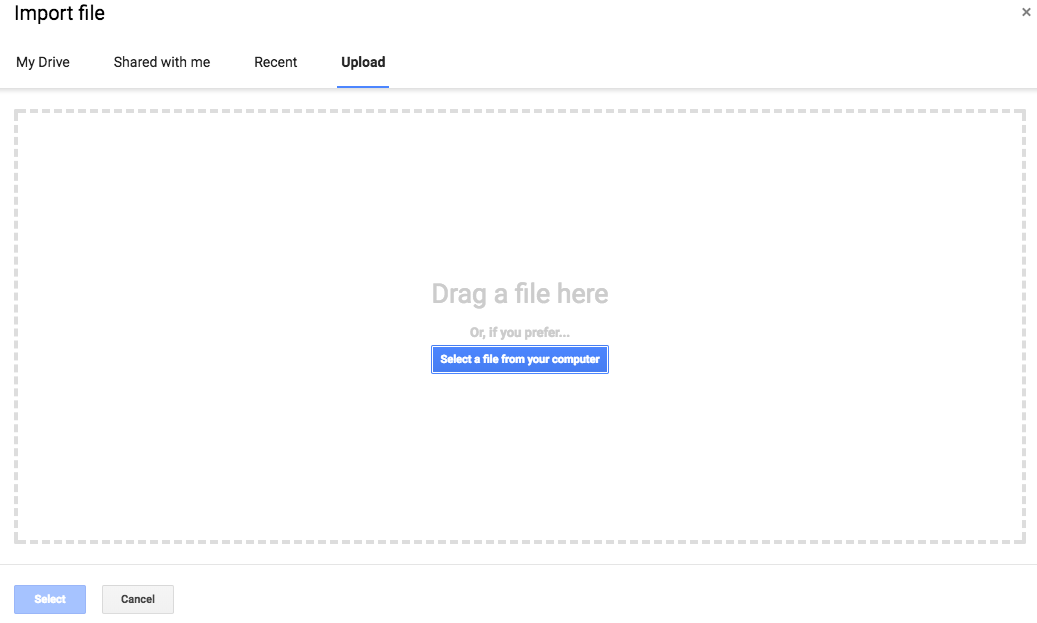
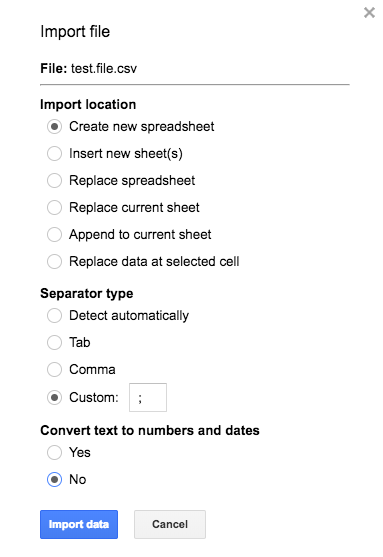
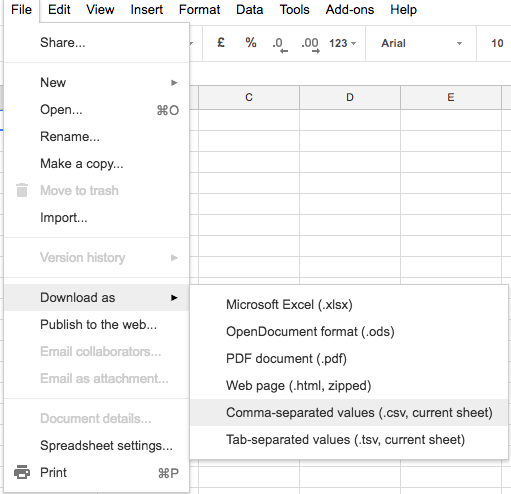
If Sugester is refusing to accept your file with customer data (an error message appears), we suggest you should use an external solution such as Google Docs. First create a Google Sheets file in Google Docs and import the file. Next automatically fix the character separator And next export the file in the appropriate form: Such a file should be compatible with Sugester. For more information regarding imports please consult the following article: Importing a customer data base to Sugester.
Was this entry helpful?

Share

Comments