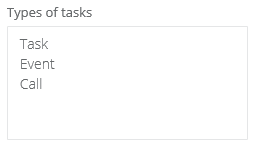
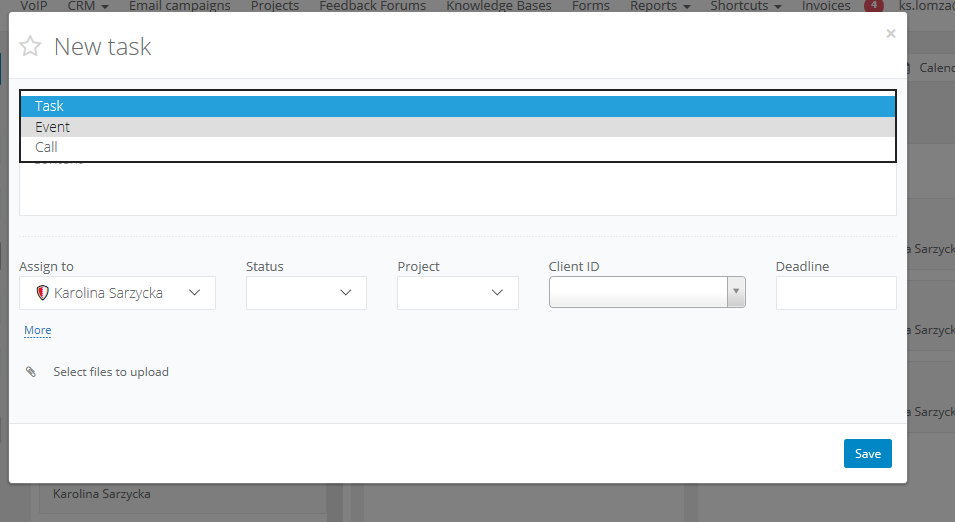
Thanks to this feature, you will be able to standardize the type of tasks on your account, and employees when adding a new task - will only be able to choose one of the available options. This will improve creation of tasks as well as the interpretation of tasks for other co-workers. From now on, instead of writing a full description in the task title, eg. Call specific client, your employee will simply be able to choose the appropriate corresponding task, i.e. Conduct phone call.
To create your dictionary for tasks, navigate to Settings > CRM settings and complete the fields: