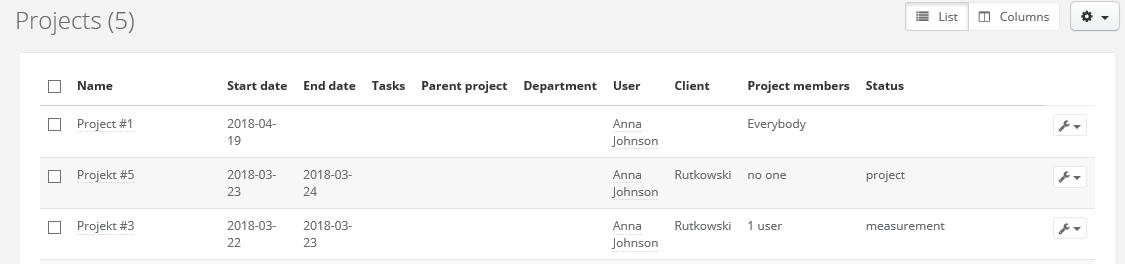
When entering the projects tab, the system will show you all the active / open projects by default. Thanks to this you will be up to date on all the currently undergoing matters in your company.
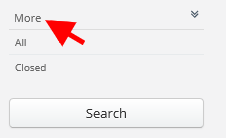
However, if you want to see a list of only closed projects or all project both closed and current, just click on the search engine on the left, click on More and choose the appropriate option.