The rebranding option is not automated, i.e. the logotype and colors need to be sent to us by email at info@sugester.com. The feature is available with additional charge from the Max plan.
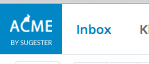
In order to adapt Sugester to the needs of your company's brand, we need a logotype (preferably in a square version) not smaller than 60 px wide by 50 px height to be placed in the top bar:
 →
→ 
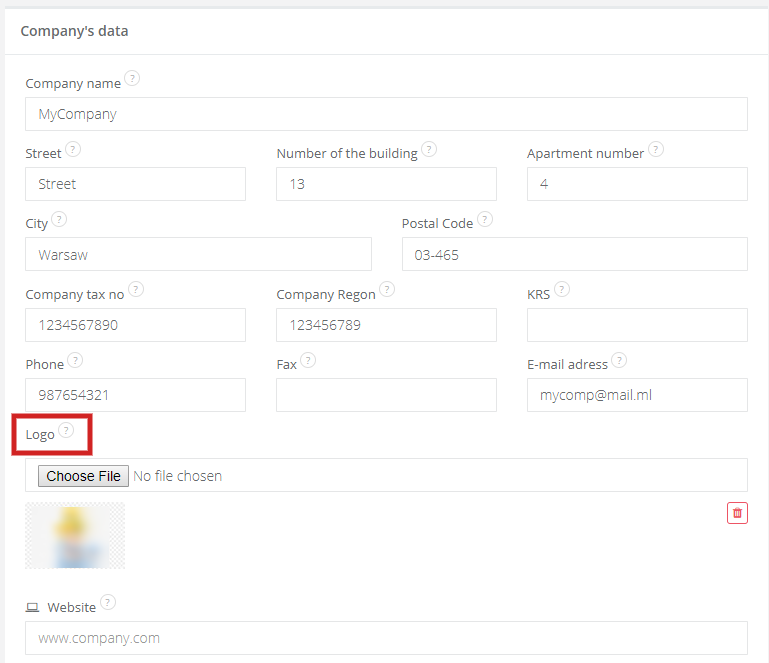
If you also want to change the logotype on the login / sign up page - select Settings > Account settings > Company's data section > Logo. Upload the picture from your computer and save changes at the bottom.
If there is also a need to change the color - we also need a color sample, which we can you use to recolor the upper bar (instead of our blue color).
Below you can find a list of CSS files which you can use to change the color scheme (black, red, green or black) of your Sugester. Paste the code in the Settings > Account settings > Advanced > HTML to paste into admin panel.