1. Registering a Sugester account
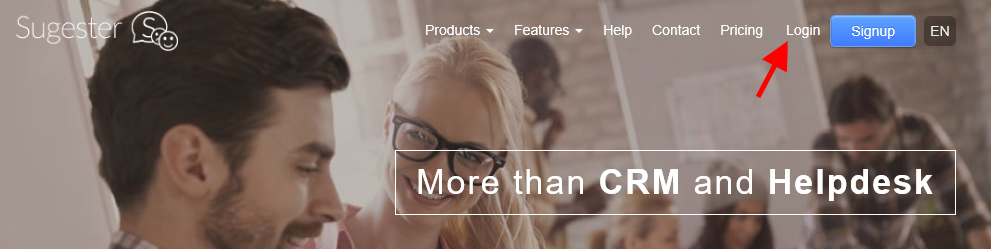
In order to create an account, go to the mainpage of sugester.com and click on the Signup button, which you will find in the top right corner.
You can also use one of the buttons which encourage you to test our system using the free trial account, which you can find whilst navigating various pages on our website. However, each Signup button leads to the trial period.

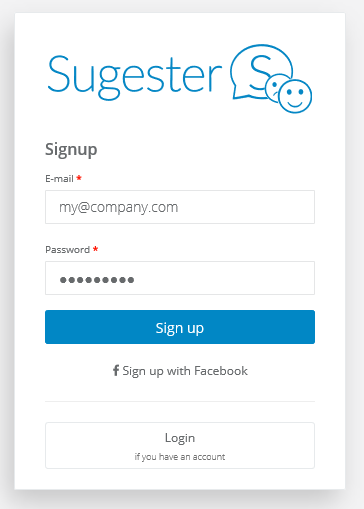
After clicking on the button the system will take you to the account registration window. Fill out the form - email (either your private one or your company email) and password, and click on the Register button.
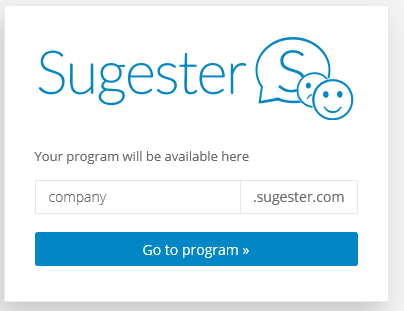
In the end the system will show you under which address your Sugester account will be located. From this window you can instantly access your account by clicking on the button ‘Go to program’.
2. Login
From now on you can login straight to the system by entering the URL into your browser or through the login screen at Sugester.com.