Editing the main menu items
Updated at:
•
Number of views: 2549
•
1 min read
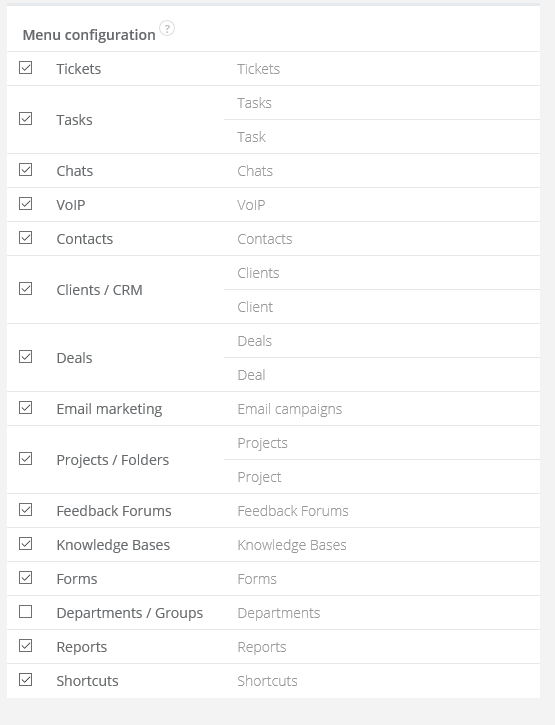
Sugester enables you to easily edit the menu items in the top bar. Depending on your needs you can either change the names, hide some (if you do not require them) or make them all visible. To do this navigate to Settings > Account settings. On the right side of the window you will find a field Menu configuration which you can use to edit the items. In the left column you will find the default names, in the right column you can insert your own names.