Skip to content
Sugester Help

Changing/adding your own field in tasks

Updated at: Number of views: 2022 1 min read
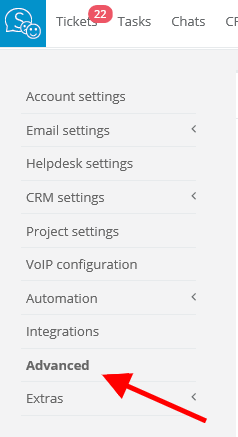
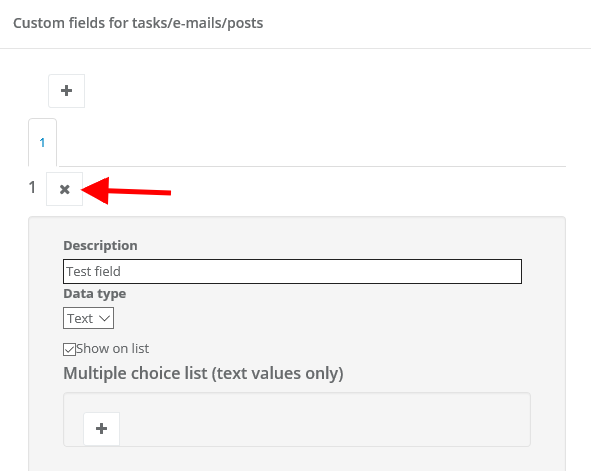
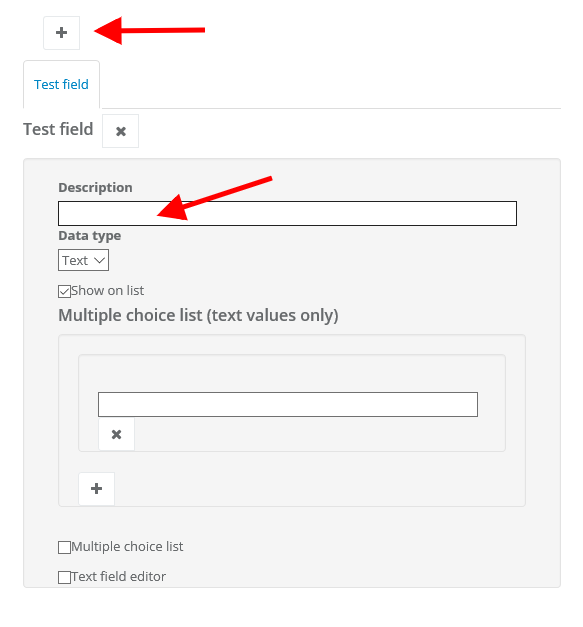
If you want to change a custom field you've created in tasks, eg. change its name or just delete it, you can easily do that in your account's settings. Select Settings > Account settings > Advanced. In 'Custom fields for tasks/e-mails/posts' you can do some changes. If you want to delete a field, select 'Edit' and click on 'x' to erase it. You can also change the name of the field and add a new one.  
Was this entry helpful?

Share

Comments