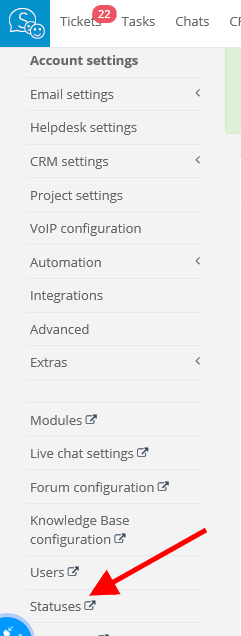
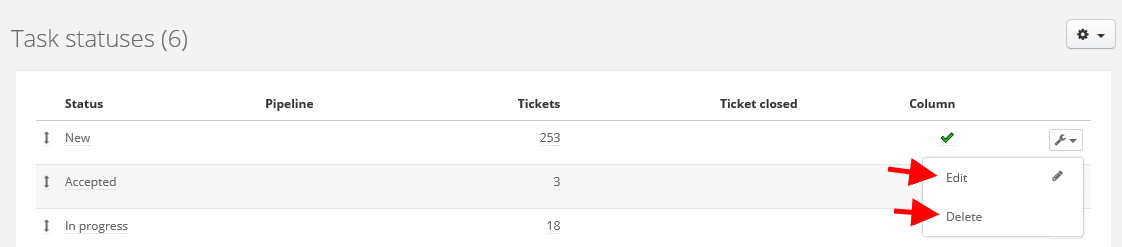
Next, click on cog icon in top right corner and 'Task statuses'. Select 'Edit' or 'Delete' - depending on what you want to do.
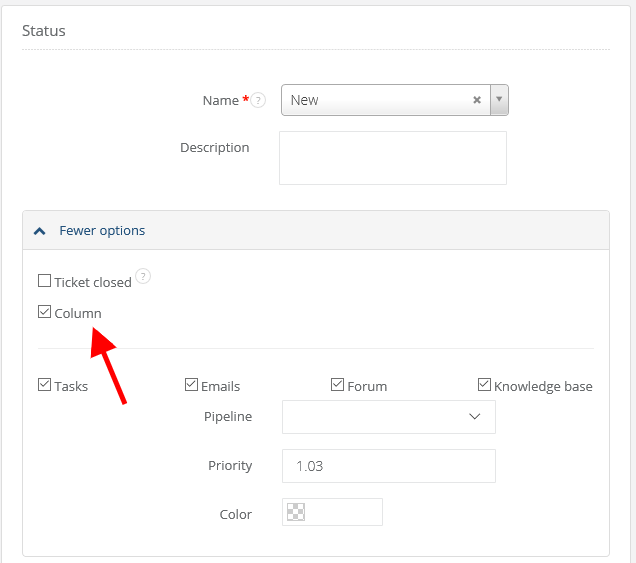
If you just want to hide a column, unfold 'More' and unmark 'Column' checkbox.
Unfortunately, I couldn't find an answer to this question.