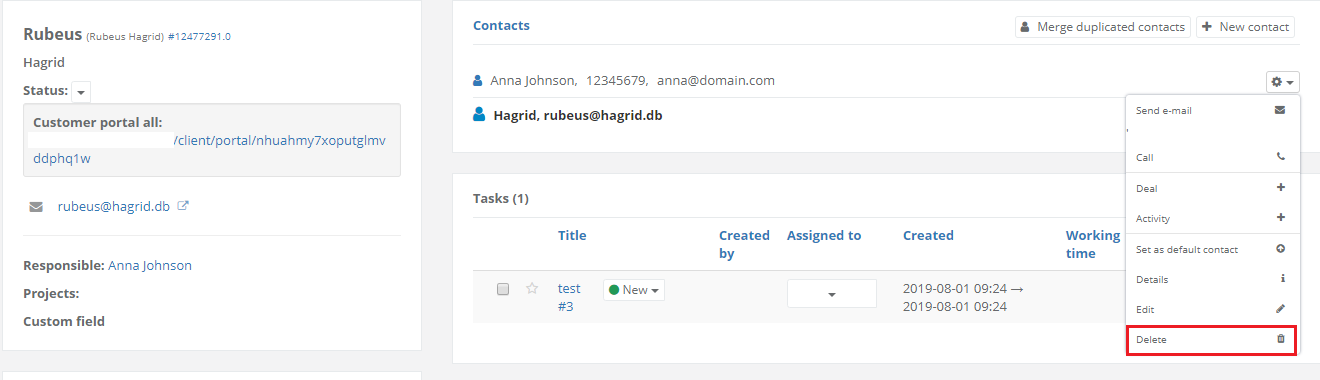
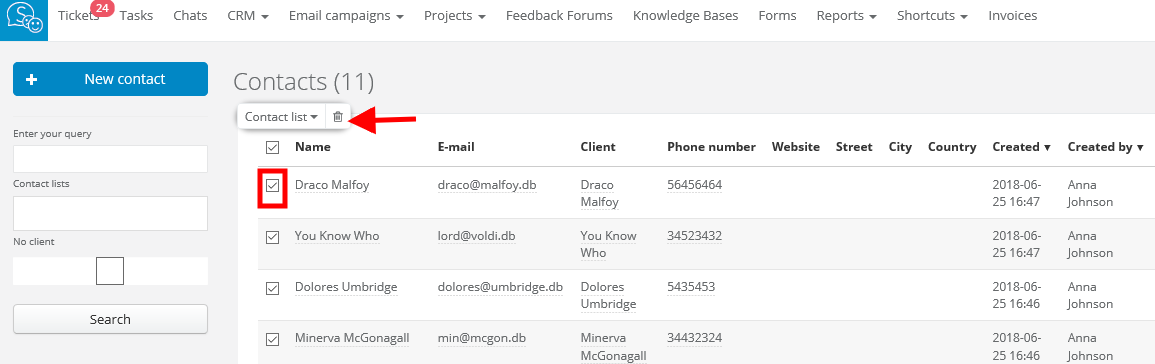
You can always delete many contacts at once if you need. To do so, select Email campaigns > Contacts. Select contacts you want to delete and mark them with a checkbox. Next, from the bar above the list, click on the trash can icon. Done!
Unfortunately, I couldn't find an answer to this question.