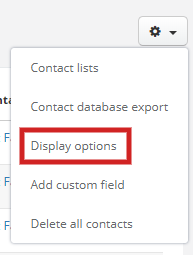
In the popup you can:
- change the order of columns
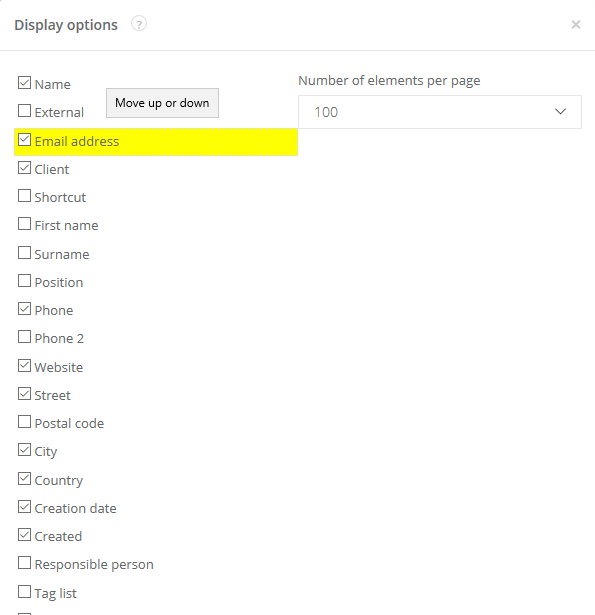
- mark with checkbox if you want them displayed
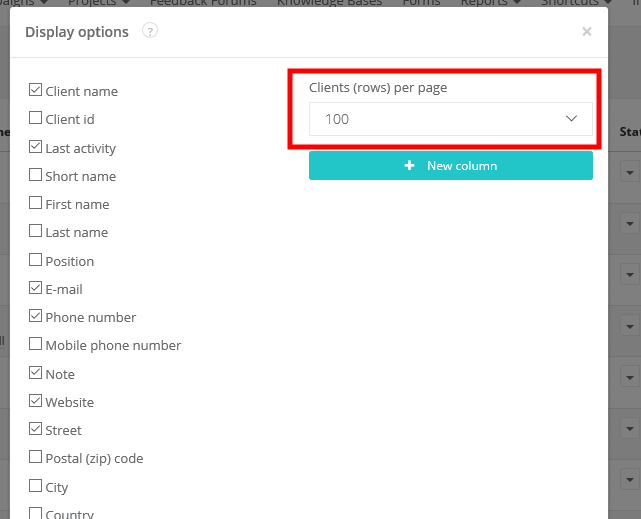
- select how many clients are displayed per page
Note! Settings descibed above make changes for the whole account. So if you change eg. the order of columns, it will be displayed like that in each client's card.