In this article you will learn:
- how to add a new status
- how to change the name of a status
- how to add a color to the status
How to add a new status
To create statuses for contacts, select Settings > Account settings > Statuses. Click on the cog icon in the top right corner and select Contacts statuses.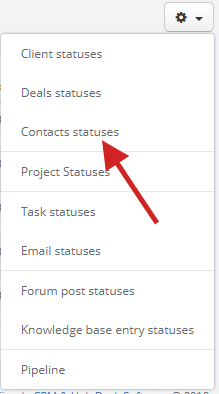
Next, click on the + New Status and type its name.
Changing the name of a status
To change names of your statuses, select Settings > Account settings > Statuses, next click on the cog icon on the right side of a status you want to change and click on Edit.

Adding colors to statuses
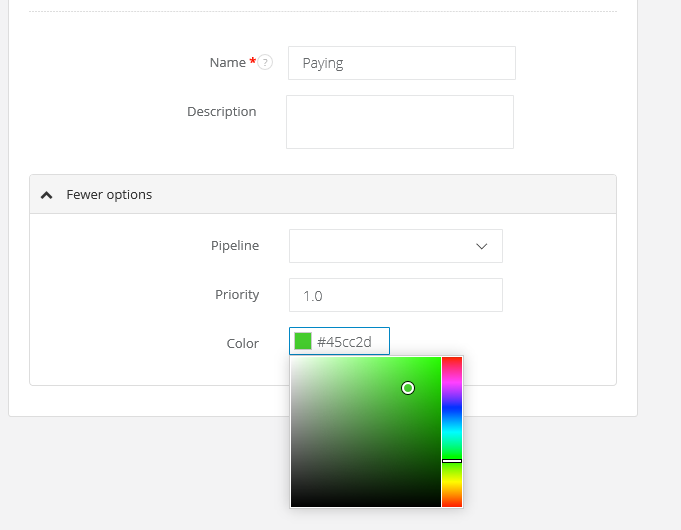
Select Settings > Account settings > Statuses. Next, click on Edit, unfold More options and choose a color for your status.