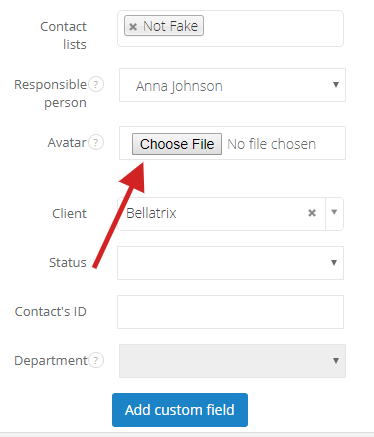
To do so, select a contact (Settings > Email settings > Contacts), click on Edit. In the Avatar field click on Search and select a picture from a folder or desktop. Save changes.
From now on a picture of your contact will always be displayed:
- on the left side in contact's profile
- in client's profile, in the window on the right side
- in inbox, next to contact's email
