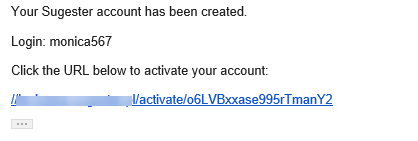
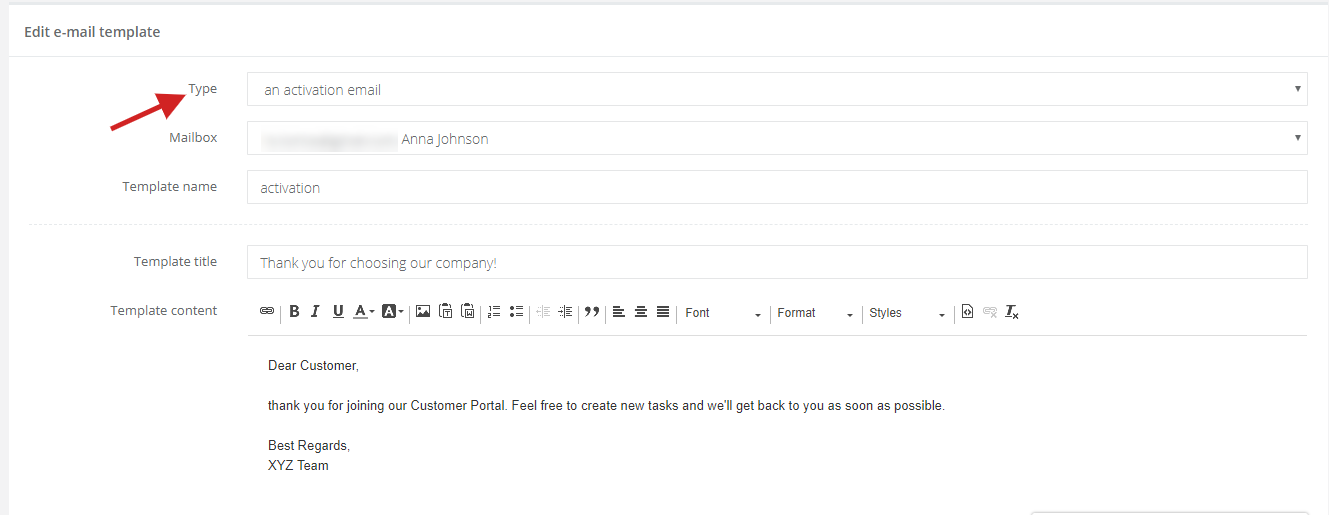
However, if you'd like your message to be more personal, you can create your own template. Just select Settings > Email settings > Email templates and add a new template. Set the type as An activation email.
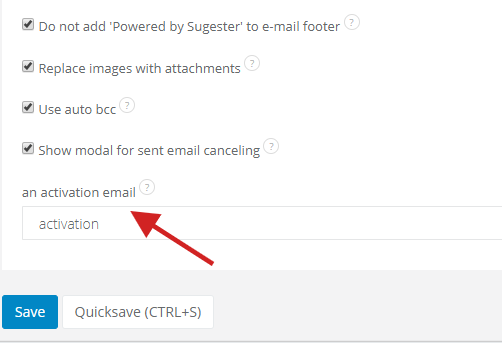
Then, click on Email settings and in the field an activation email select the template you've created. Click on Save.
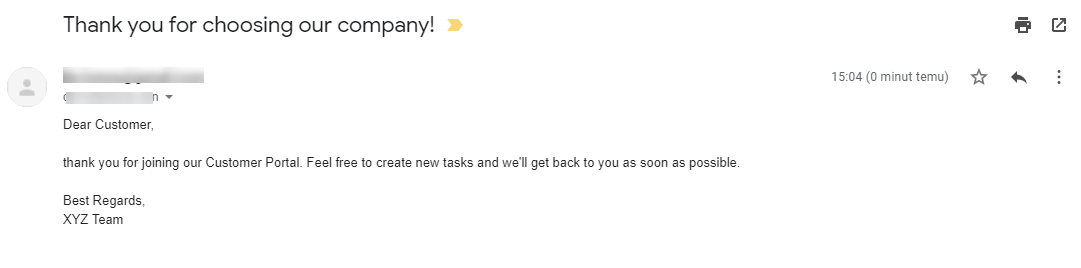
This way a client will receive your custom activation email: