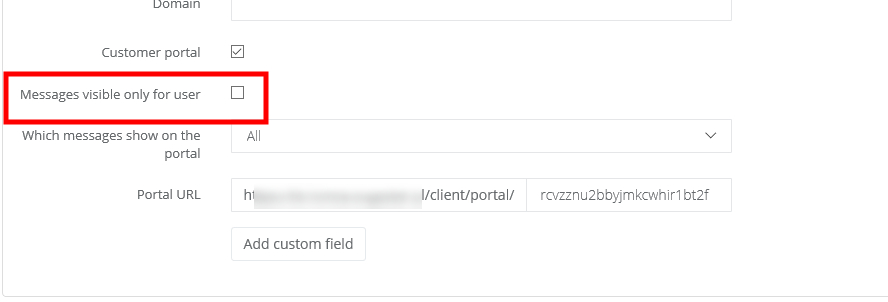
But if your clients are companies, all employees can add posts, as long as their email addresses are added as a contact on client's card.
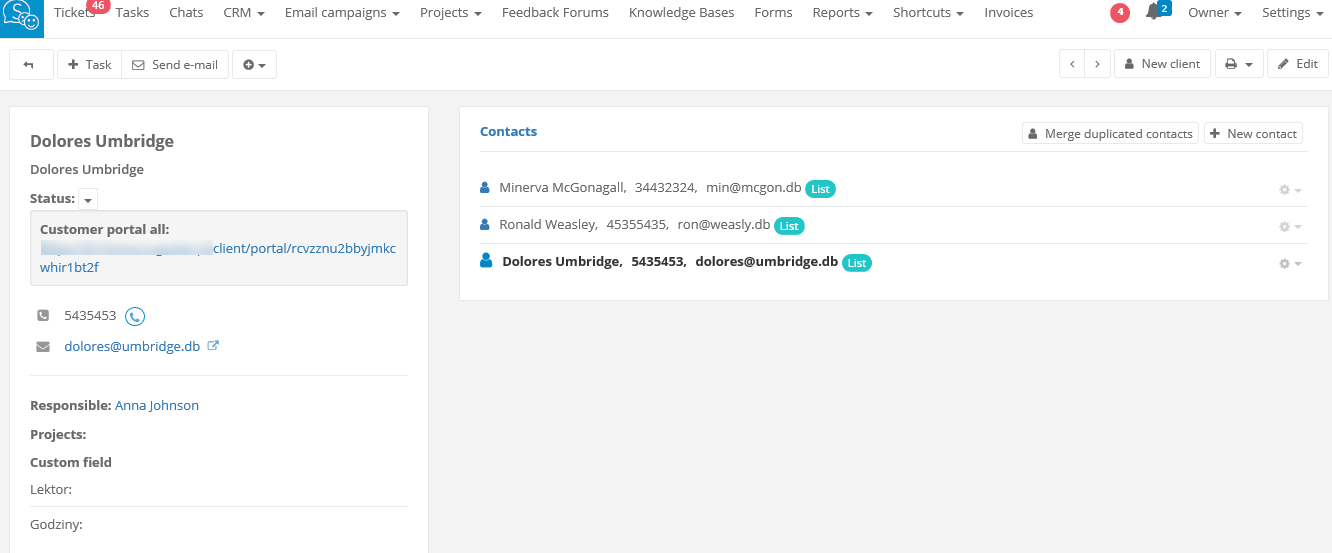
If your client's employees should have access only to their own posts, do the following:
- select CRM/Clients and choose a client, whose employees should have limited access
- click on Edit in top right corner and unfold More options
- mark Messages visible only for user checkbox
- click on Save
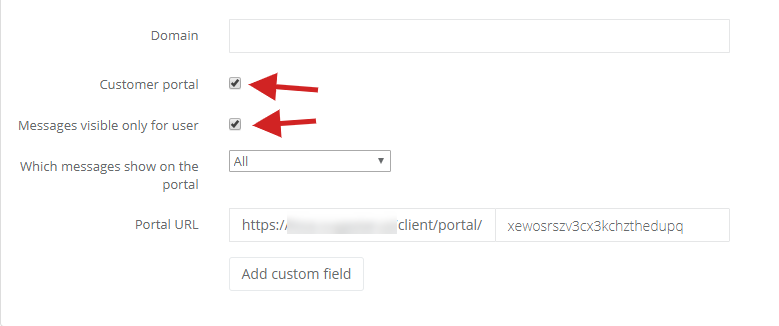
If the checkbox is not marked, then all client's posts will be displayed to all contacts.