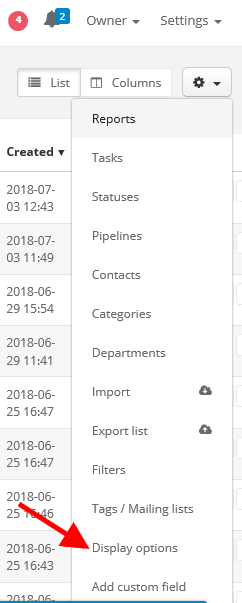
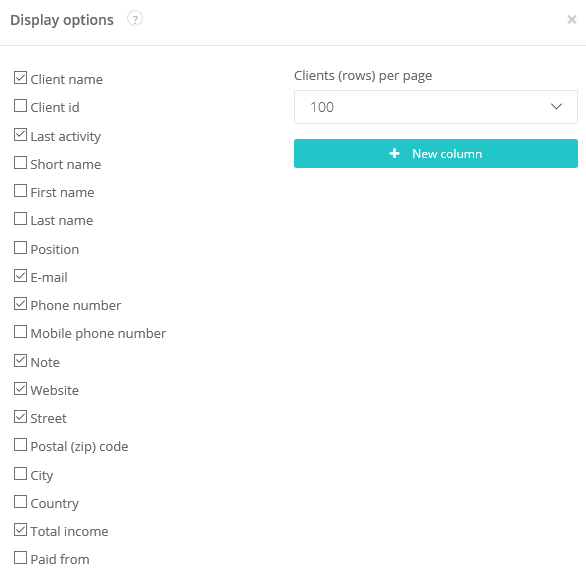
Sugester enables displaying clients' list in the way you want it. Just select CRM > Clients, click on the cog icon in top right corner and click on Display options.
Here you can select which fields will be displayed and in which order (thanks to the drag and drop).