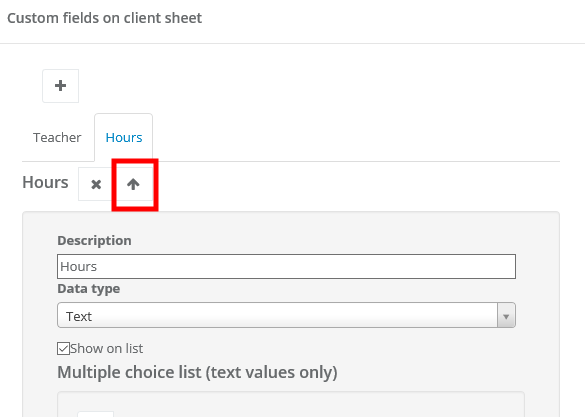
To change the order of custom fields you've added to clients, tasks or projects, select Settings > Account settings > Advanced. Next, find 'Additional fields' you want to change, click on 'Edit' and with up and down arrows change the order.
Then click on 'Change', go to the bottom of the window and hit Save.