To enable numbering, select Settings > CRM Settings > Deals and mark the Enable deals numbering checkbox.
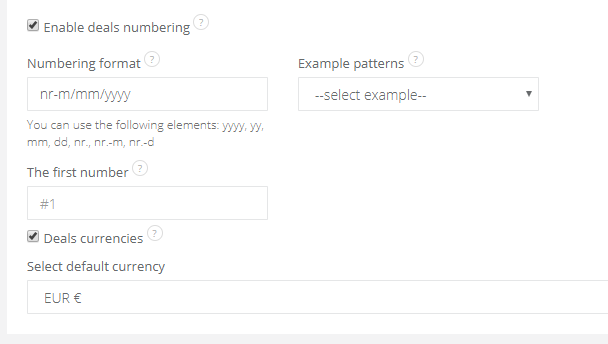
You have following fields:
- numbering format - you can number your deals according to the year (yyyy), month (mm), day (dd), or just a regular number
- example patterns - here you can select default system numbering formats, then Numbering format field will be filled automatically
- the first number - select a start number
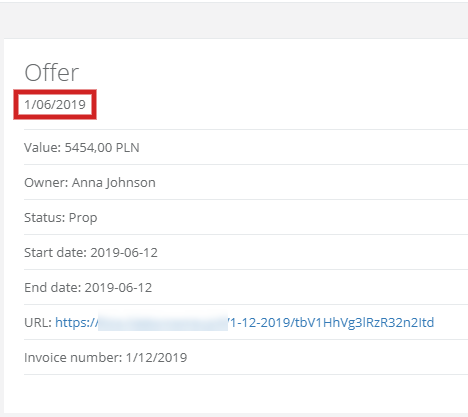
Remember, that the numbering will not work backwards - previous deals after enabling numbering will remain the same.